How to run a Know Your Business KYB check
Estimated reading: 2 minutes
11 views
This document provides a step-by-step procedure to generate a KYB (Know Your Business) report. You can create this report either from an existing company profile or directly from the KYB menu option. If initiated through the KYB menu, the system will automatically create the associated company profile. Follow the instructions below to search for a company and generate the KYB report efficiently.
Step 1
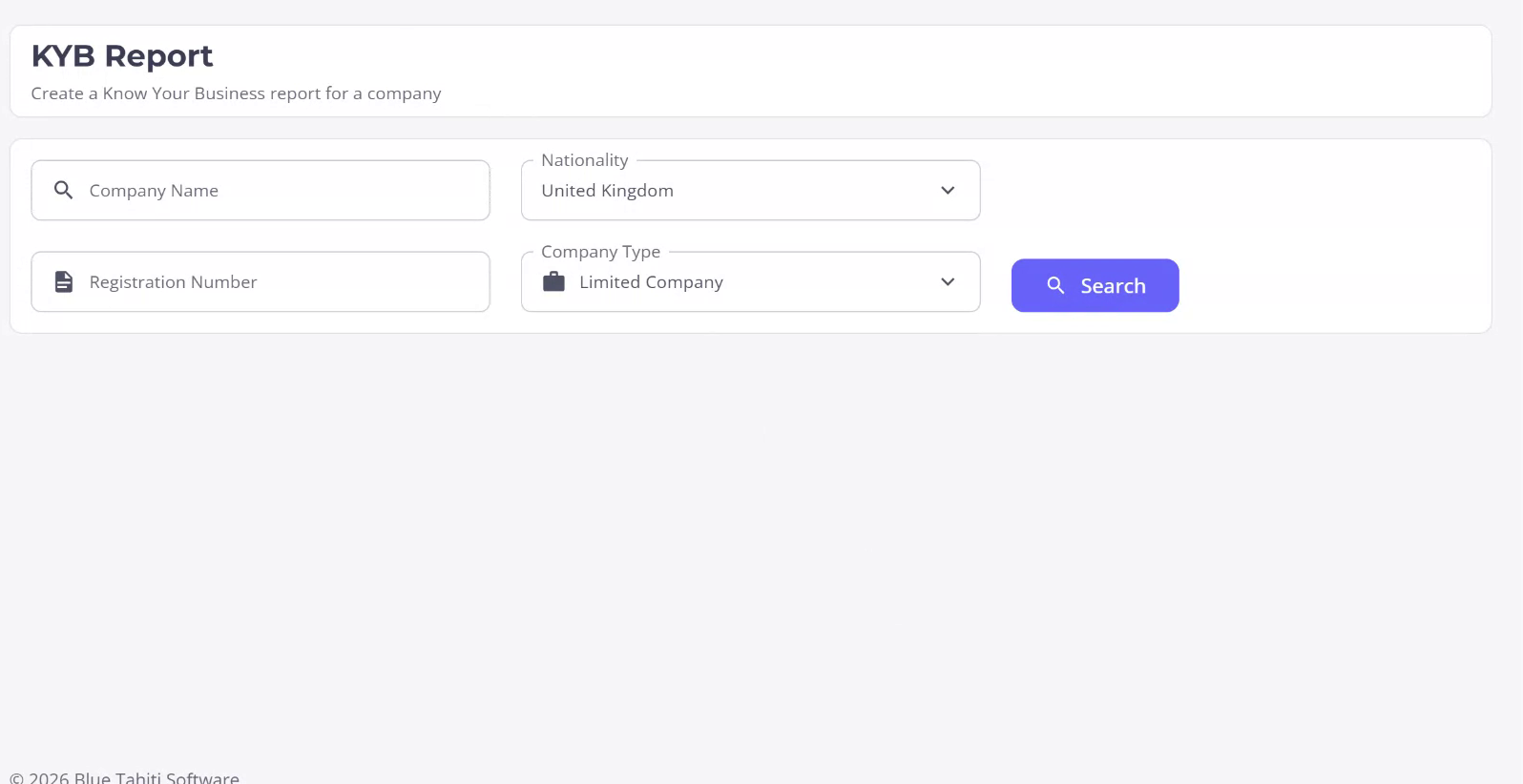
To begin creating a KYB report, navigate to the KYB menu option on the left-hand side or access it through an existing company profile. If you choose the KYB menu, it will automatically create the associated company profile. Let’s proceed by searching for a company.
Step 2
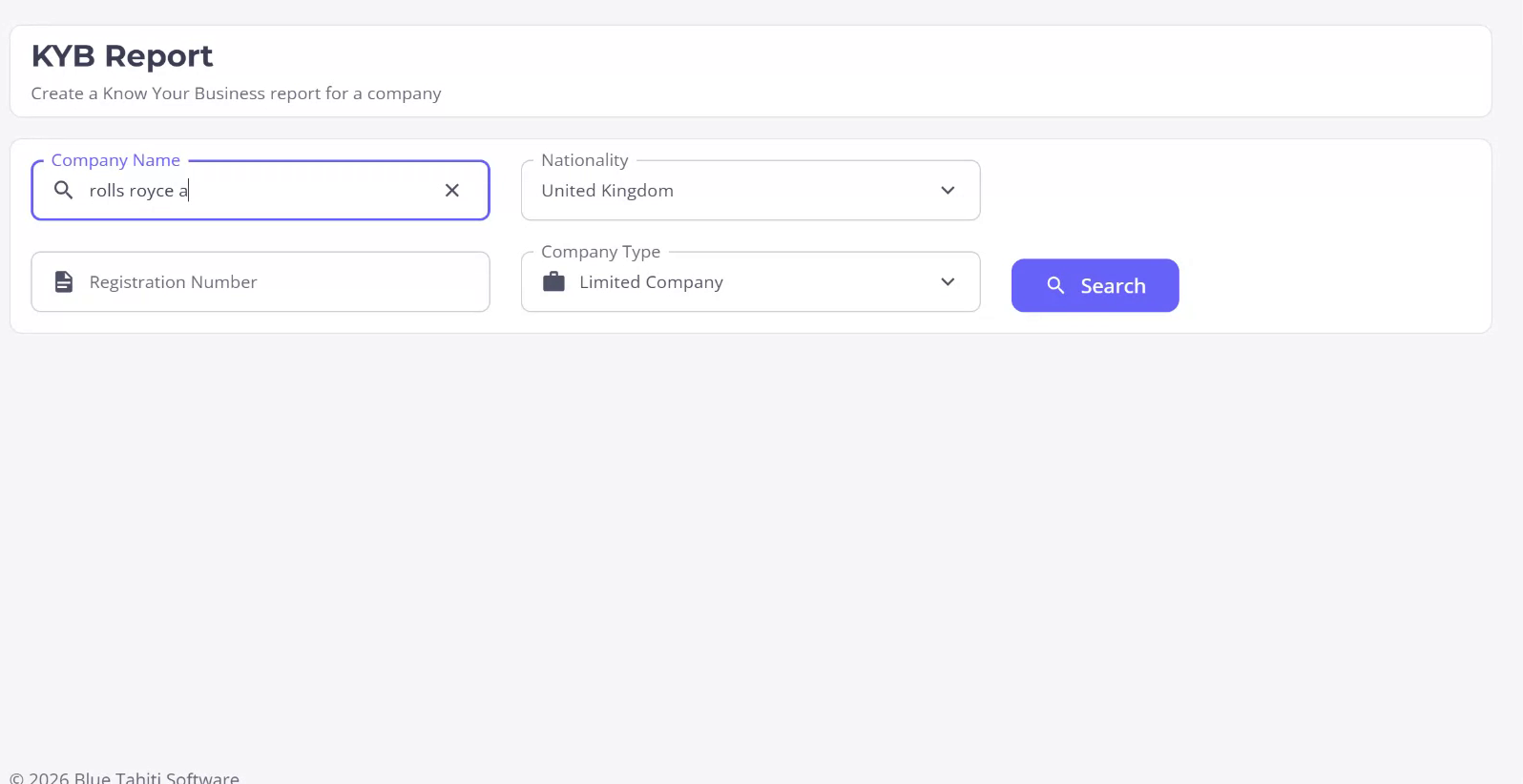
You can search for the company using its name or, if available, the company registration number. Additionally, you can refine your search by specifying the company’s nationality and type. In this example, search for “Rolls Royce Aero,” then click on Search. A list of options matching the search criteria will be displayed.
Step 3
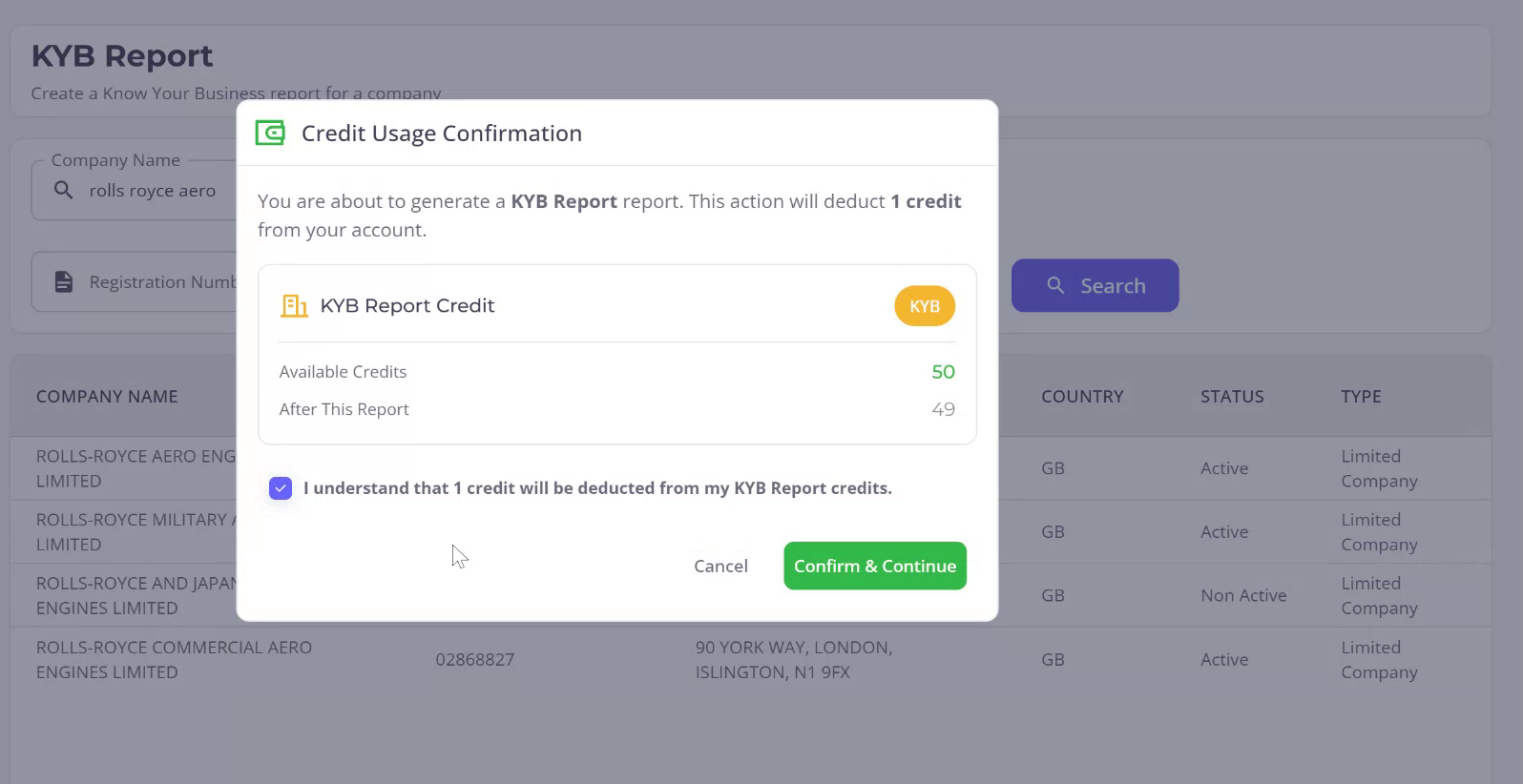
Select the first option from the search results. You will be prompted to confirm your understanding that creating this report will utilize a credit. Confirm your understanding and proceed by clicking “Confirm and Continue.” This action will generate the new company profile with all associated KYB information.