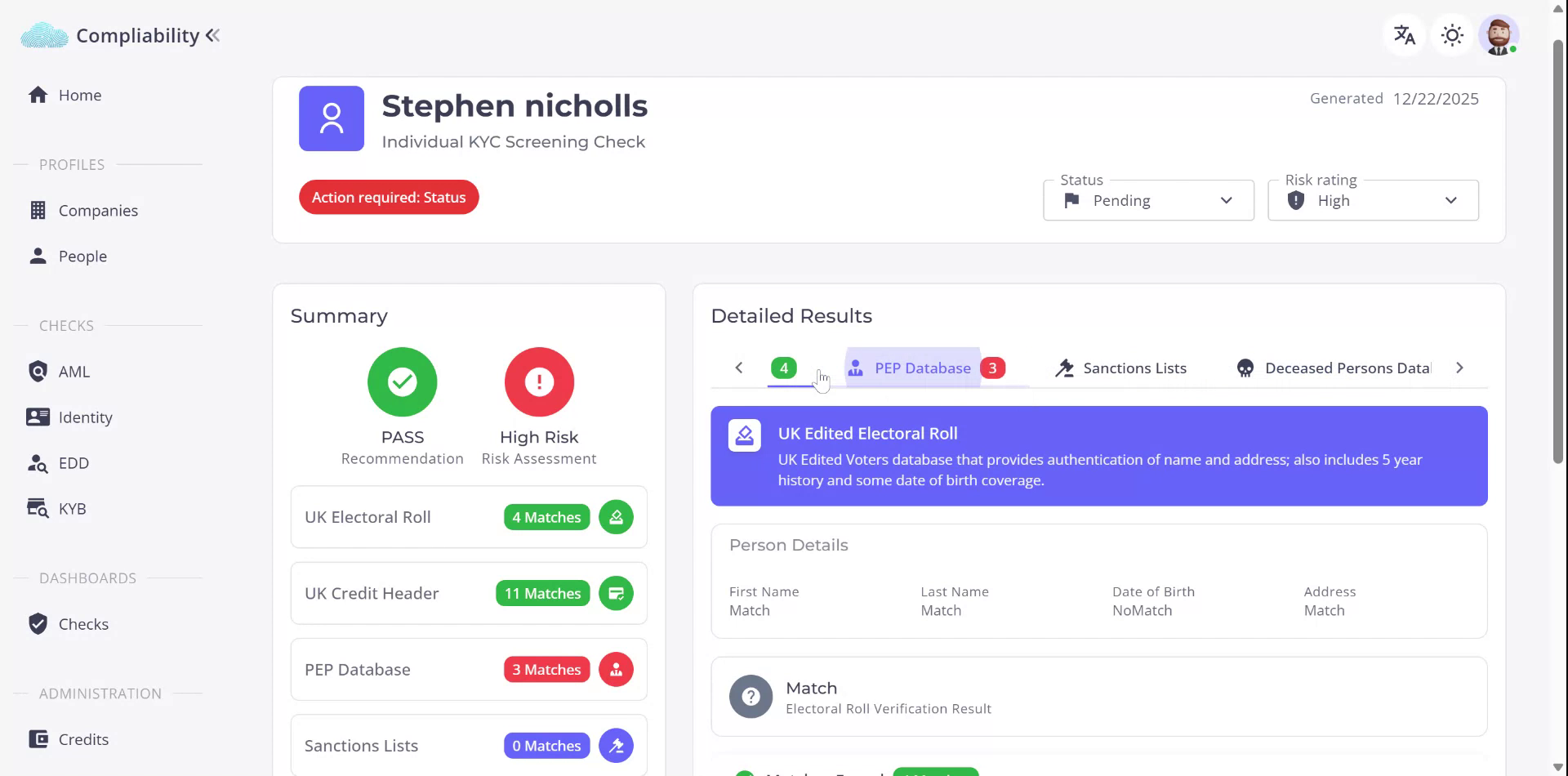
This document explains how to access and review the results of an Enhanced Due Diligence (EDD) check for an individual, including how to interpret the different database checks and drill into detailed results.
Step 1: Access the Individual’s EDD Check
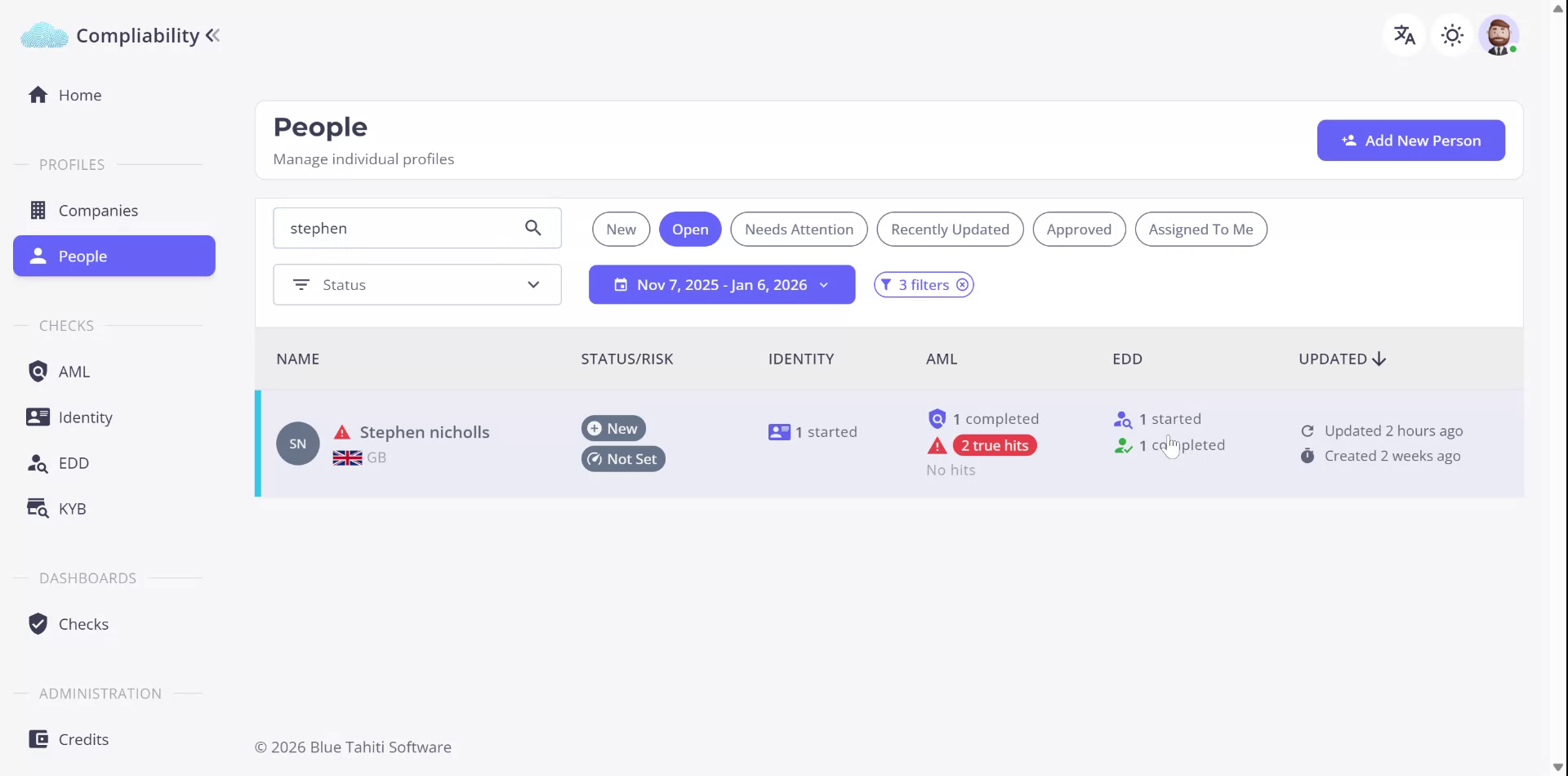
You can access an EDD check either from the person’s profile or from the EDD menu item on the left-hand side. For an individual who already has an EDD check started and completed, open their profile, where you can see the various checks that have been run.
Step 2: Open the EDD Results
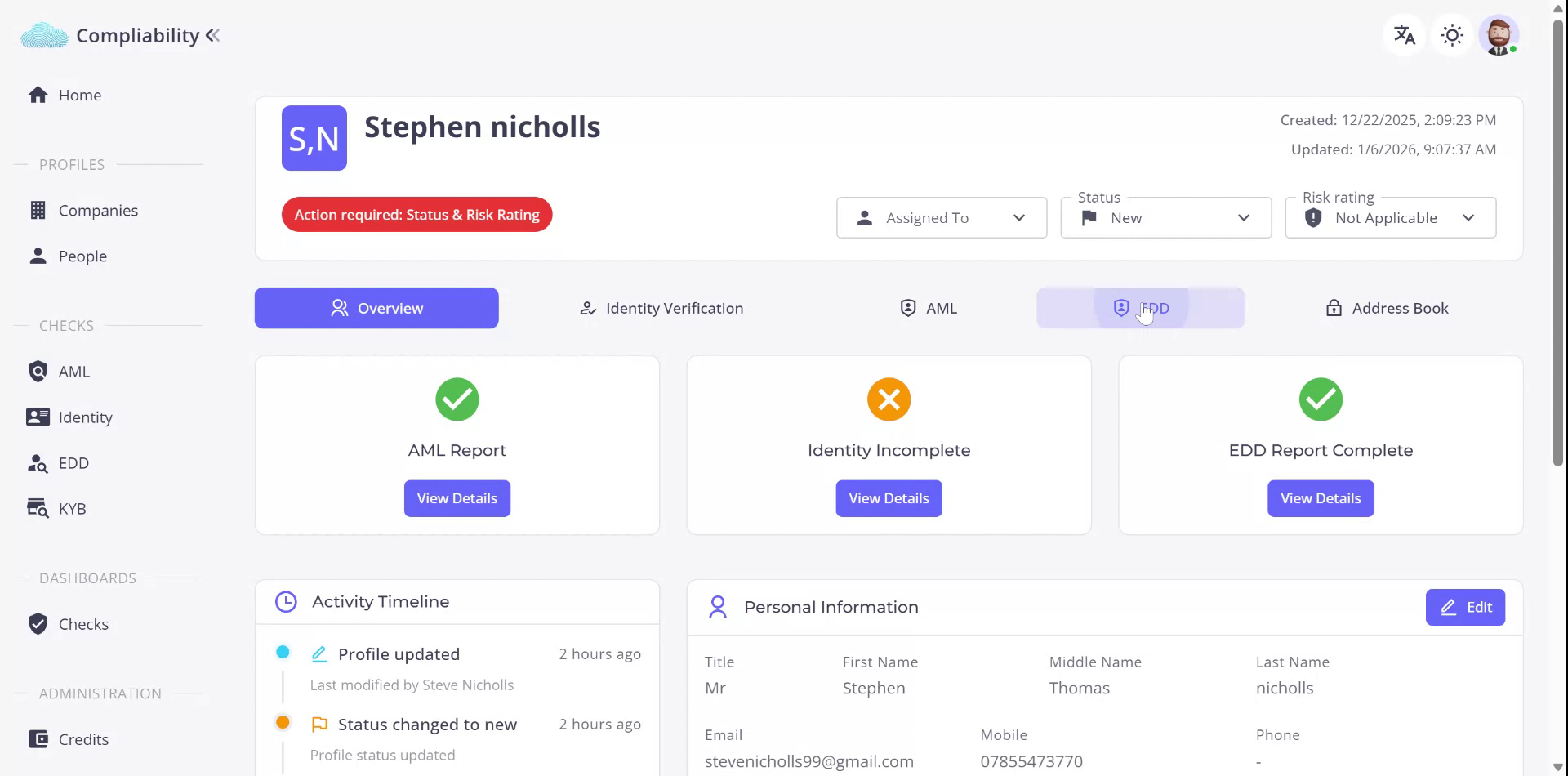
Within the individual’s profile, locate the completed EDD report. You can either click the
View Details button on the EDD report or navigate to the
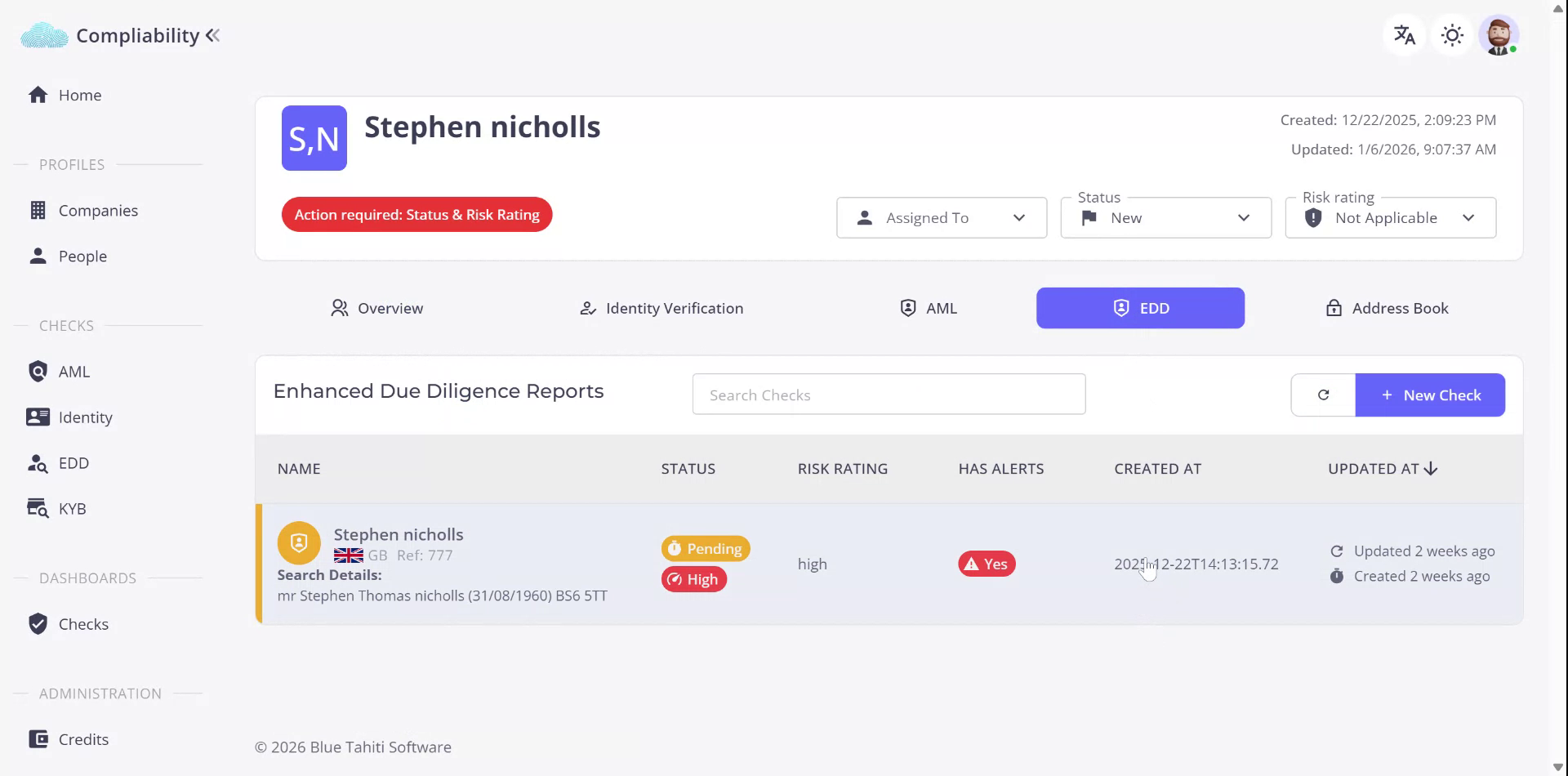
EDD tab on the profile. In the EDD tab, you will see the EDD check that has been run against this individual.
Click on the displayed EDD check to open and view the full results for that specific check.
Step 3: Understand the Databases Used in EDD
The Enhanced Due Diligence check runs against multiple databases. These include:
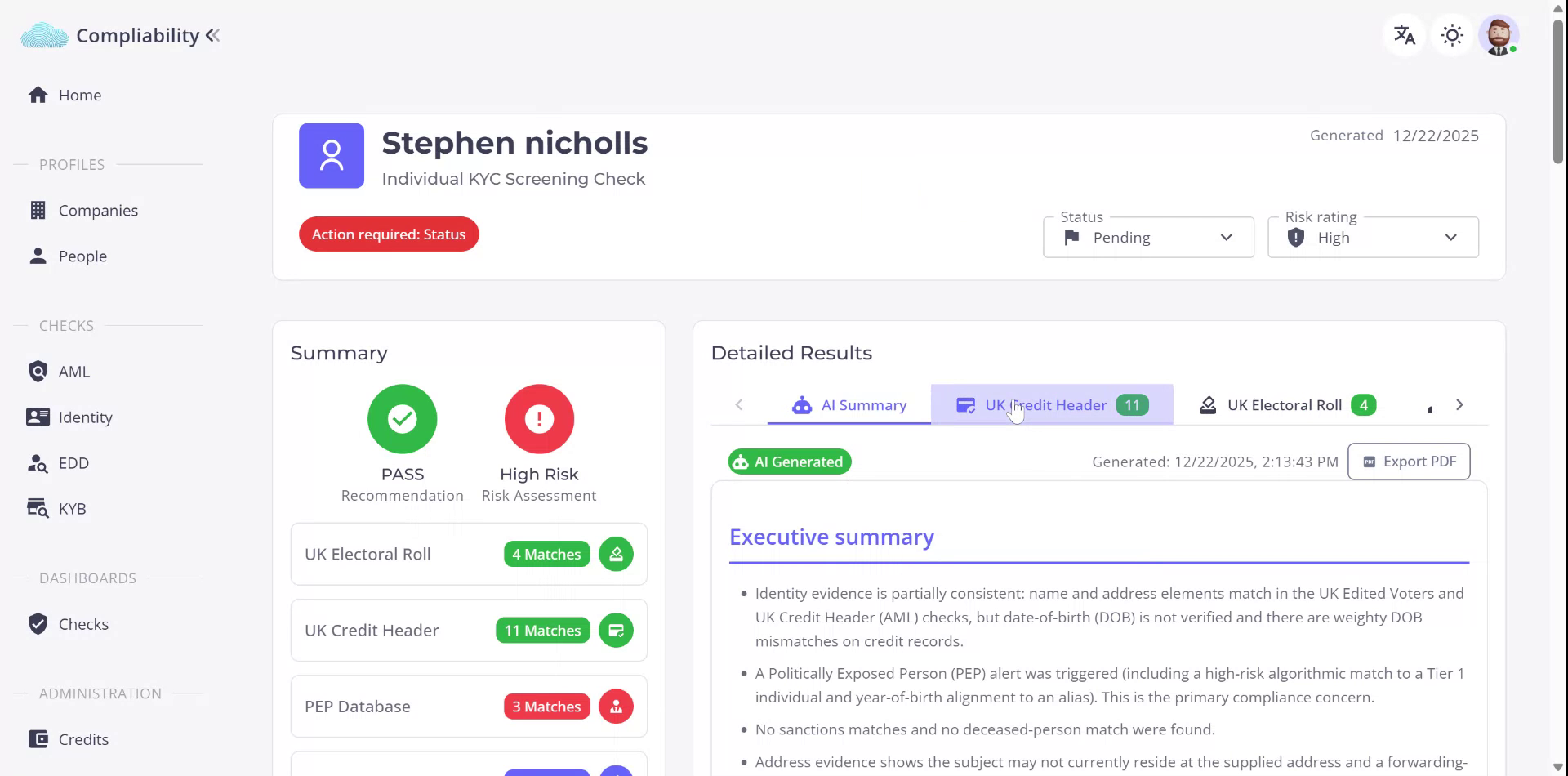
- UK Credit Header
- PEP (Politically Exposed Persons) databases
- Sanctions lists
- National Change of Address
- Mortality (deceased persons) databases
These data sources are reflected as
Results tabs across the top of the EDD record.
Step 4: Review the UK Credit Header Results
Select the
UK Credit Header tab. This check runs against United Kingdom credit reference agencies to identify bank accounts associated with the individual
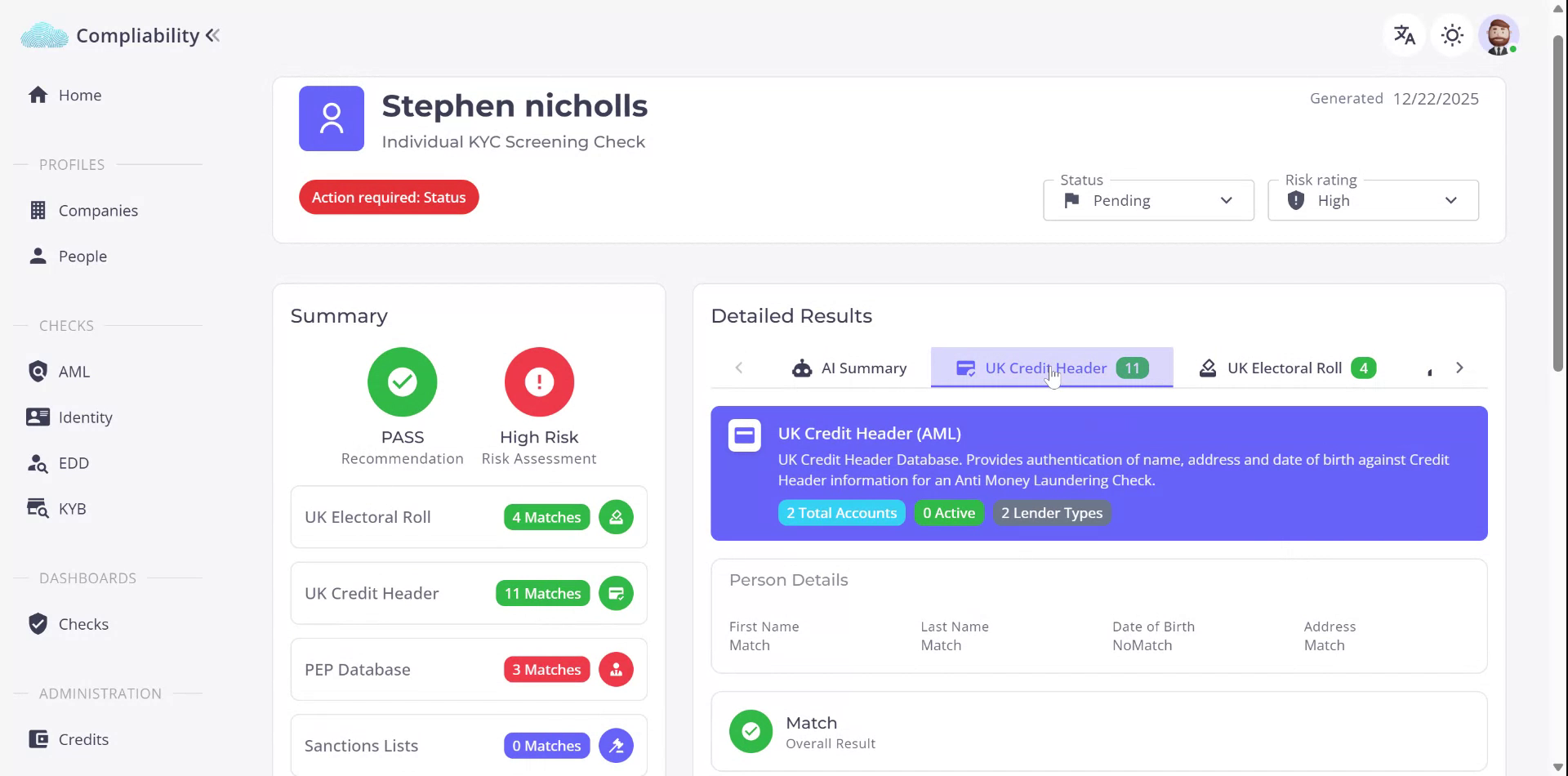
and to verify details with UK utility providers, confirming that the information supplied by the individual matches these databases.
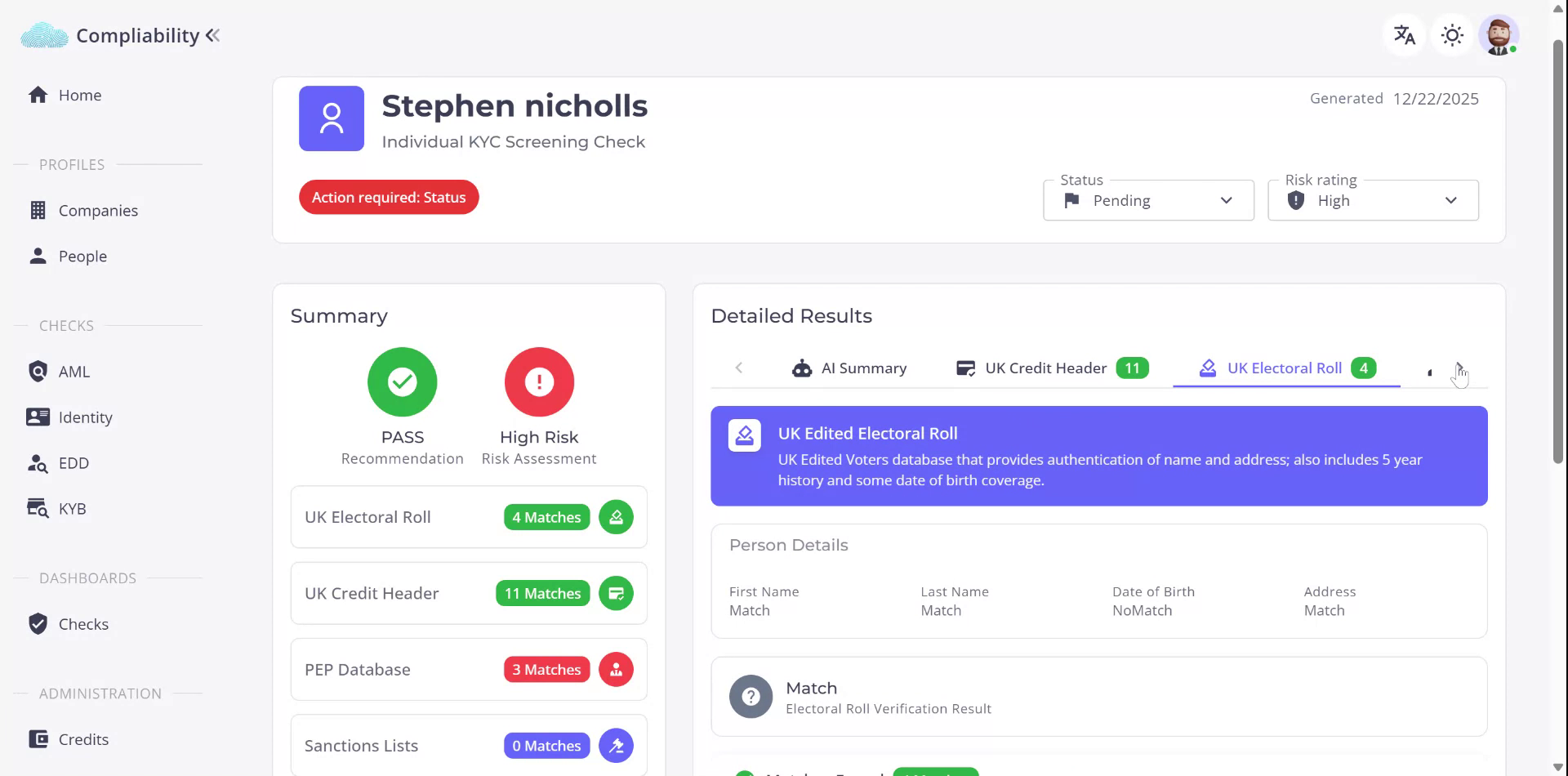
Step 5: Review the UK Electoral Roll Results
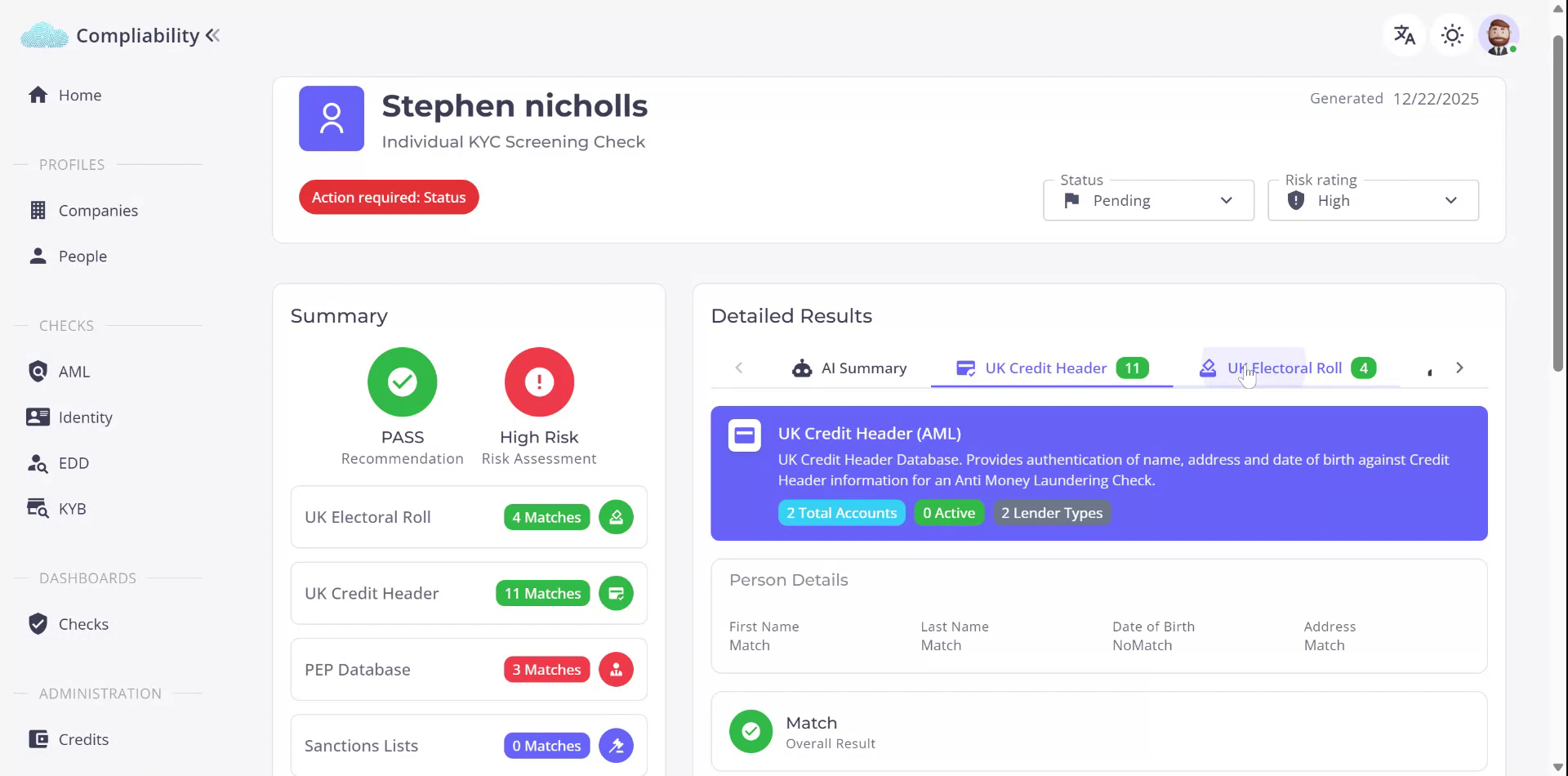
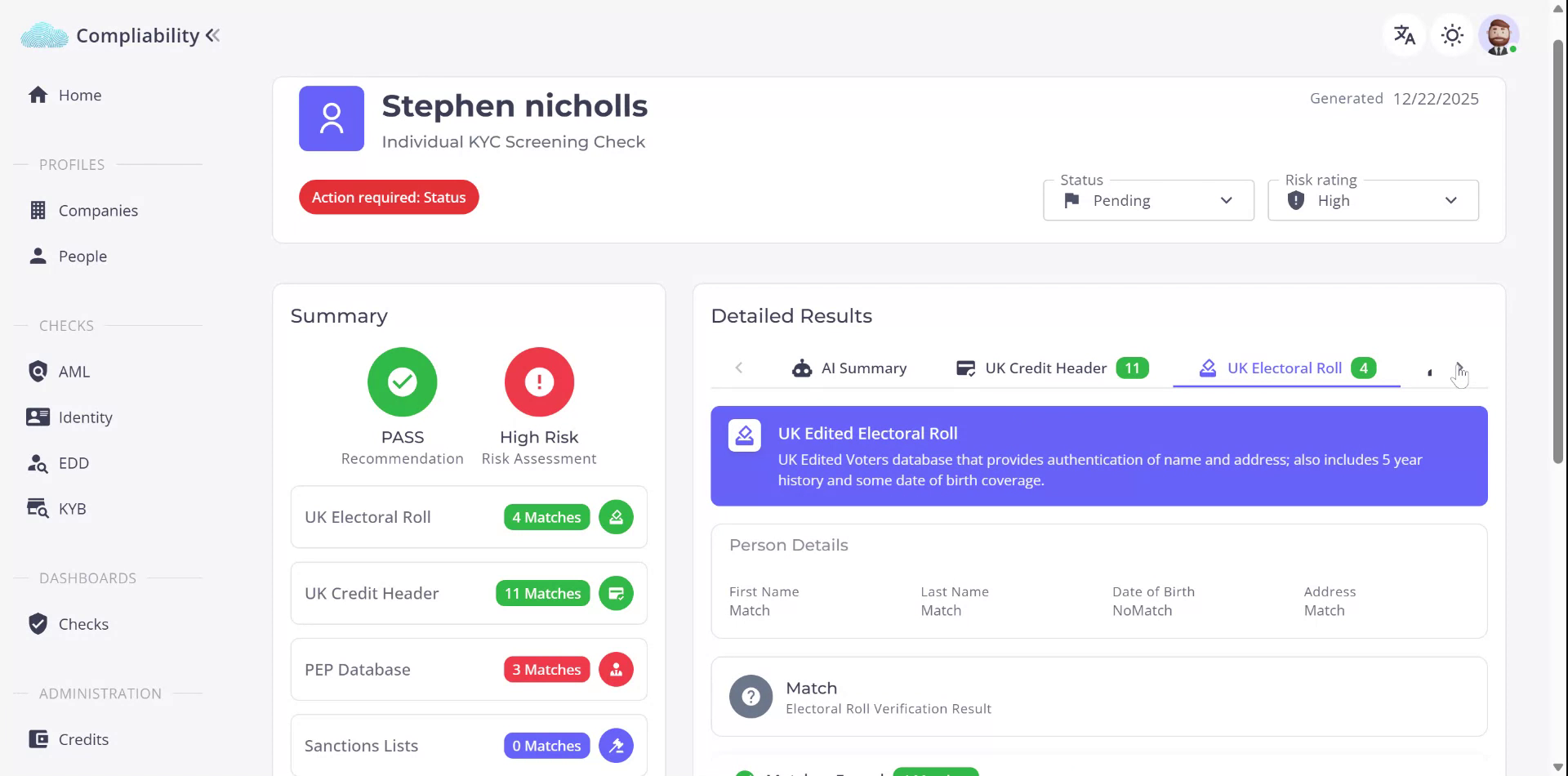
Select the
Electoral Roll tab. This database check compares the individual’s supplied name, address information, and date of birth against the UK electoral roll to confirm that the details correspond to official electoral records.
Step 6: Review the PEP (Politically Exposed Persons) Results
Next, select the
PEP tab.
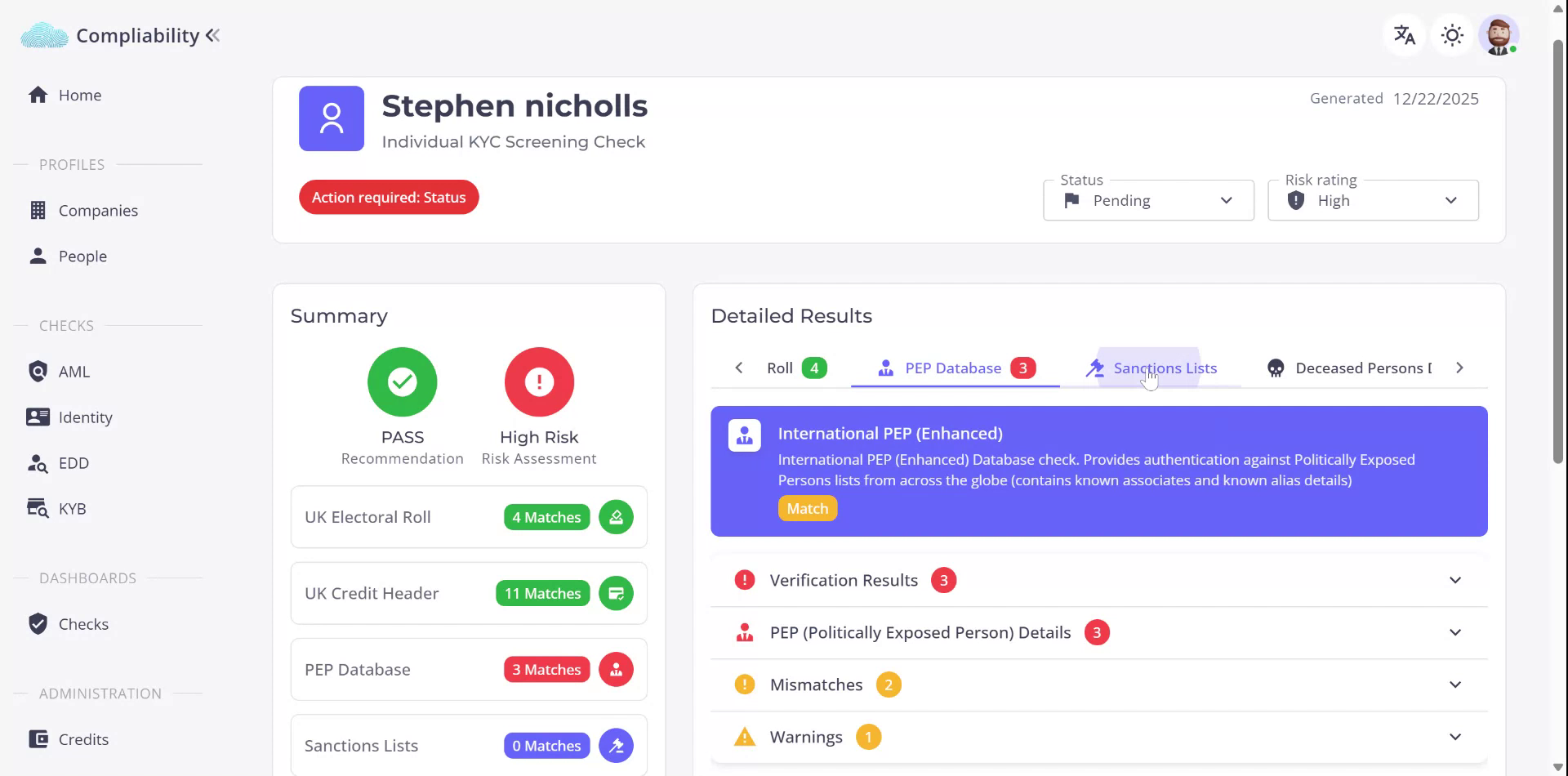
The PEP database is used to check whether the individual appears on any international Politically Exposed Persons lists. If a potential match is found, you can validate the result by:
- The information in detail
- For any specific hits returned by the check.
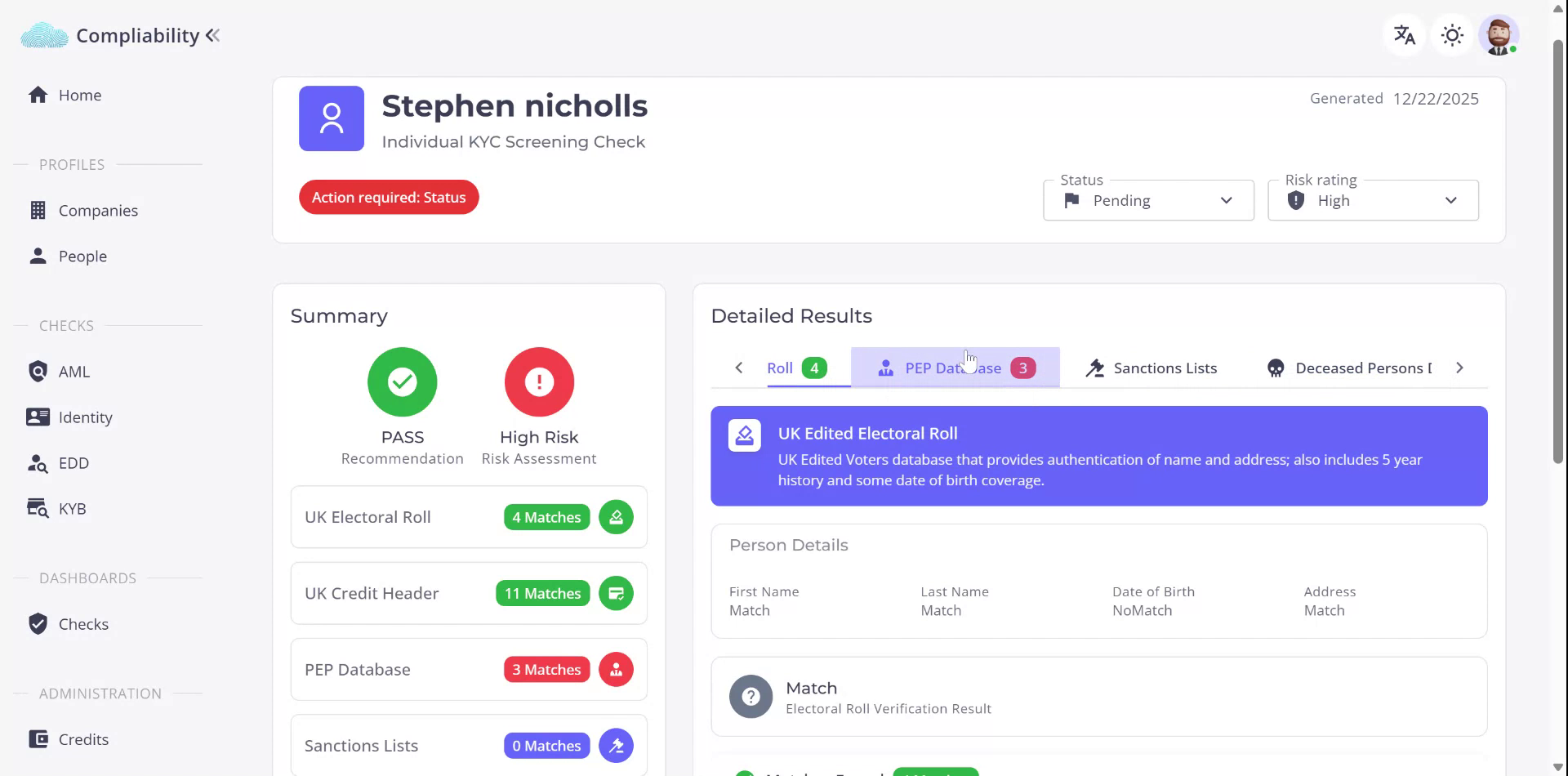
This allows you to confirm whether the hit genuinely relates to the individual under review.
Step 7: Review the Sanctions Results
Open the
Sanctions tab.
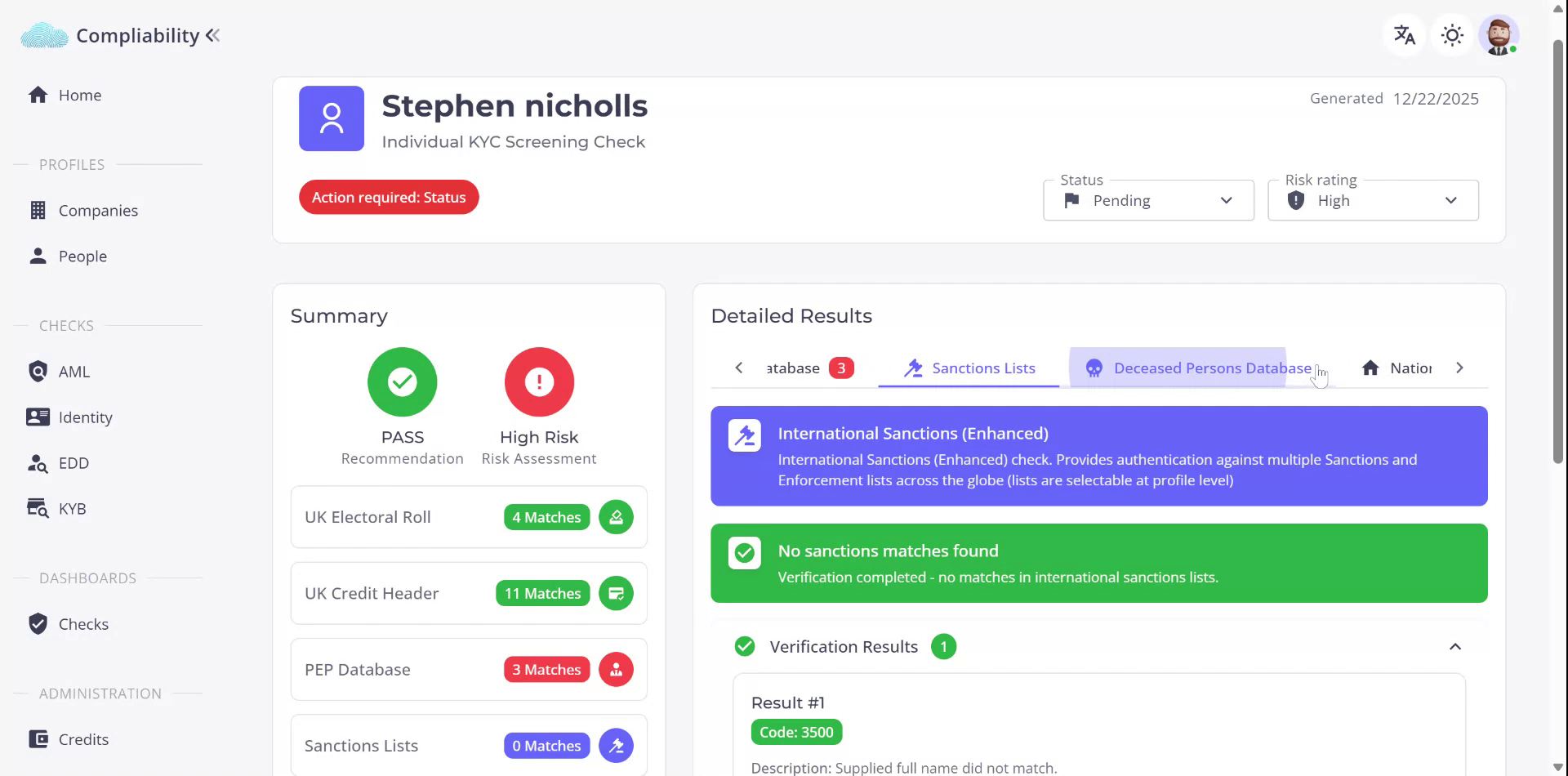
The sanctions database checks the individual’s name and any other relevant information against official sanctions lists. If there are no hits, the individual does not appear on any of the sanctions lists queried in this check.
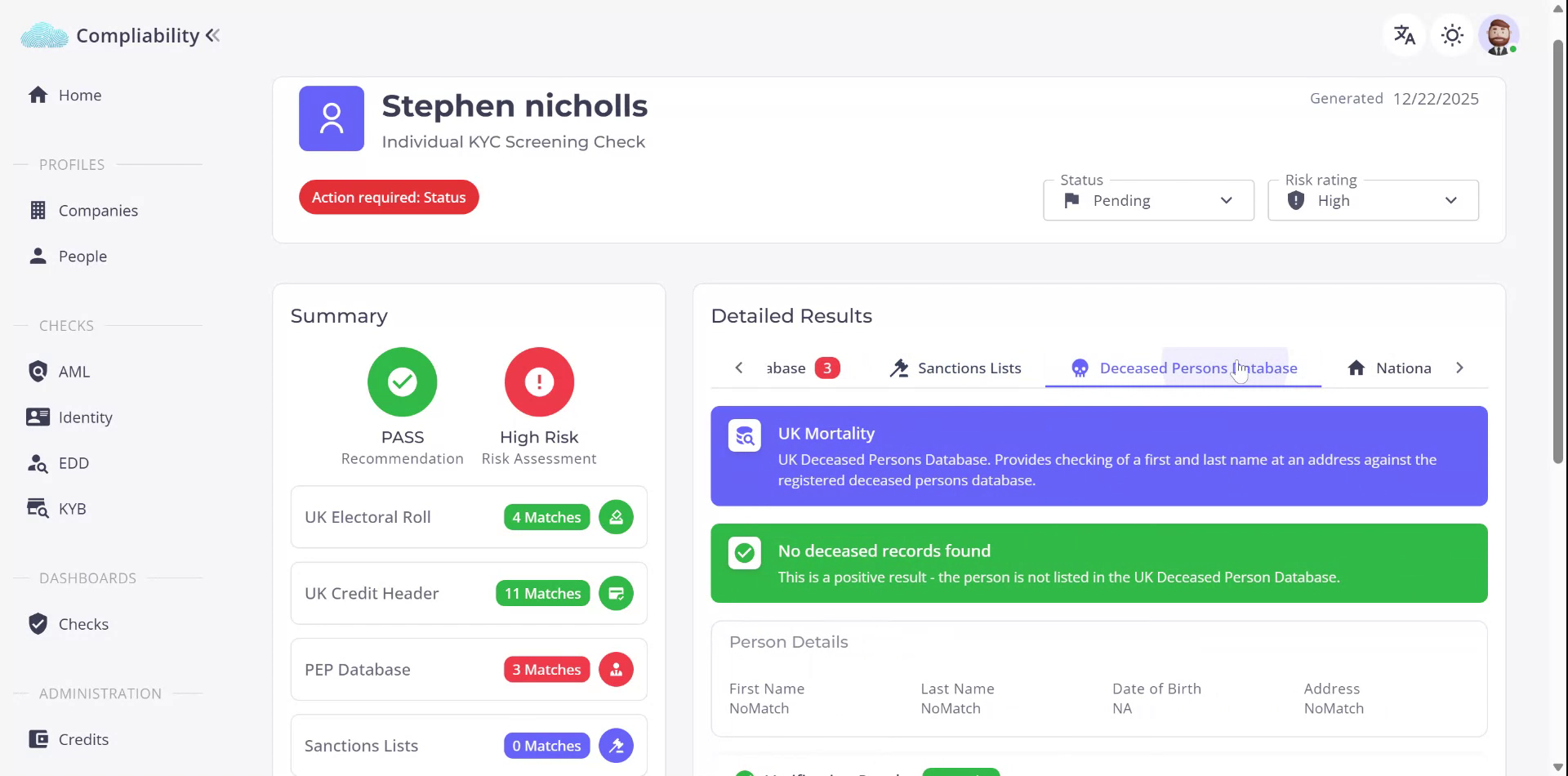
Step 8: Review the Deceased Persons (Mortality) Results
Select the
Deceased Persons / Mortality tab. This check validates the individual’s name and date of birth
against a UK mortality database to determine whether the individual is recorded as deceased.
Step 9: Review the National Change of Address Results
Open the
National Change of Address tab. This check compares the individual’s name and address to confirm whether they
still reside
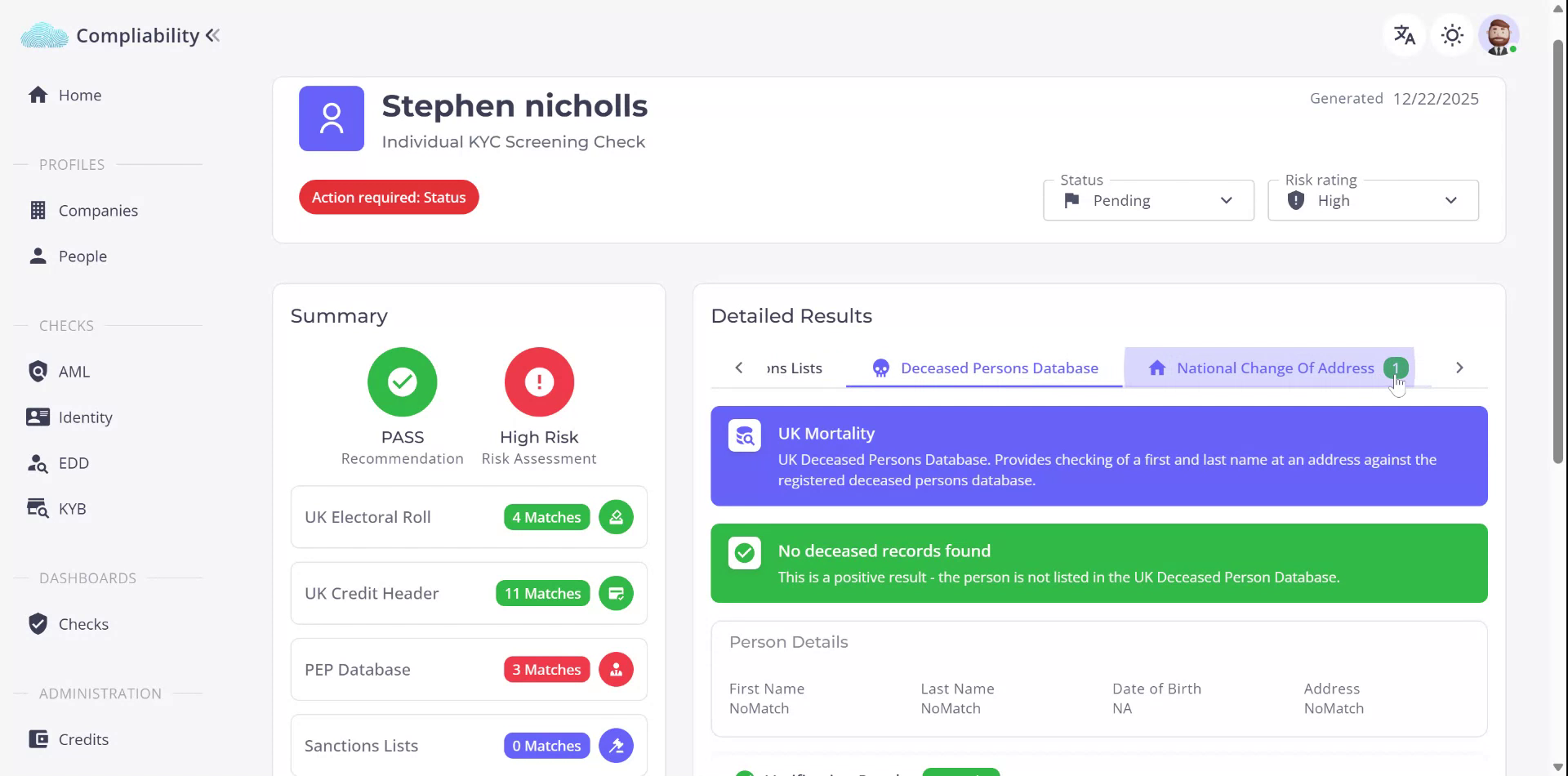
at the address provided, or whether a change of address is indicated.
Step 10: Drill Down into Detailed Check Information
For any of the database checks, you can interrogate the results in further detail by expanding the sections below the header within the EDD results screen. This allows you to see more granular information for each check and review any specific data points or hits returned.