Review a Company AML check?
Estimated reading: 2 minutes
22 views
This document outlines the procedure for reviewing an Anti-Money Laundering (AML) check on a company, using Balfour Beatty as an example. You will be guided through reviewing AML checks, accessing detailed results, and making informed decisions based on the findings.
Step 1
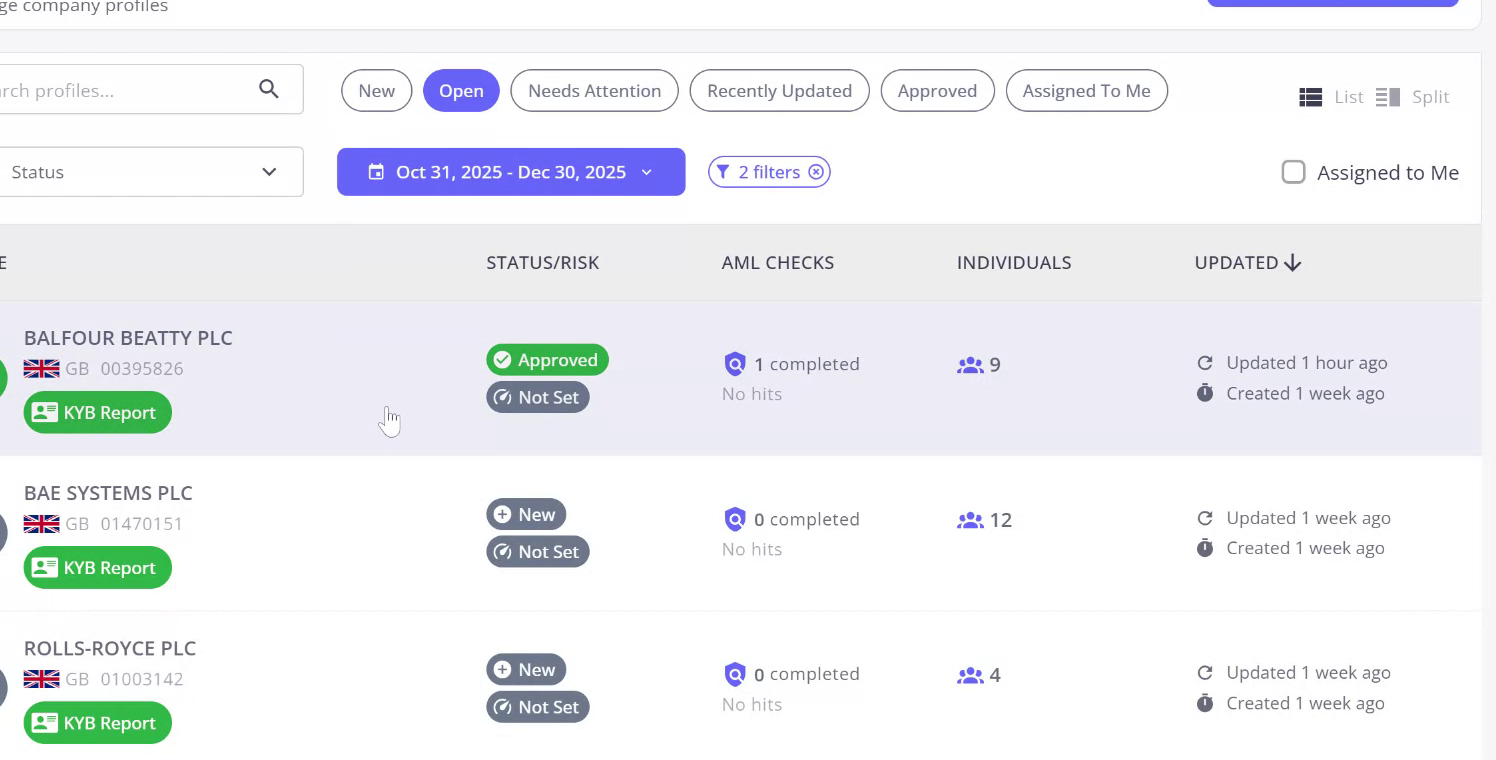
Begin by reviewing the AML check for the company Balfour Beatty. You can search for the company, but it should already be at the top of the list.
Step 2
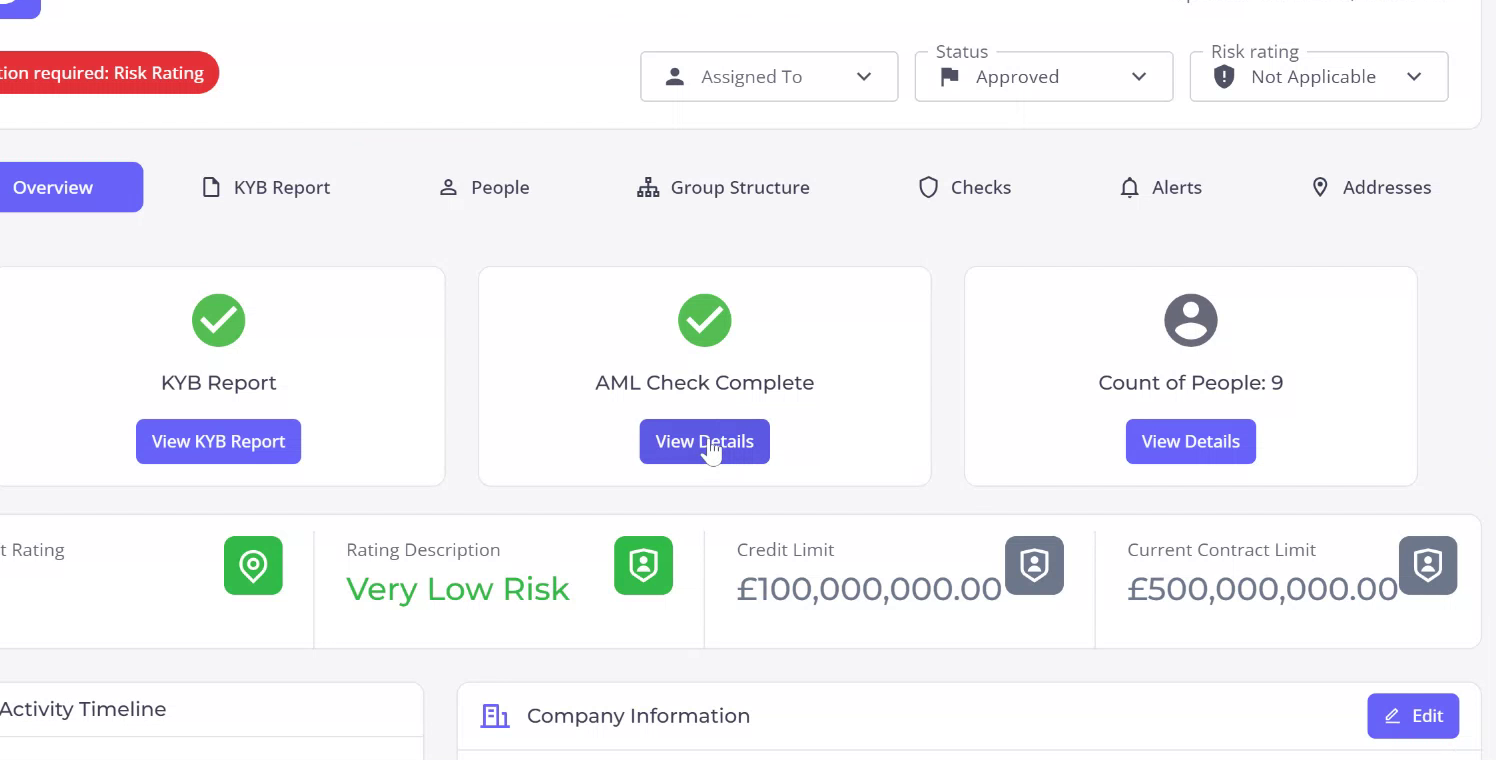
You will see that one AML check has been completed for the company. Access the AML check either directly through the company overview.
Step 3
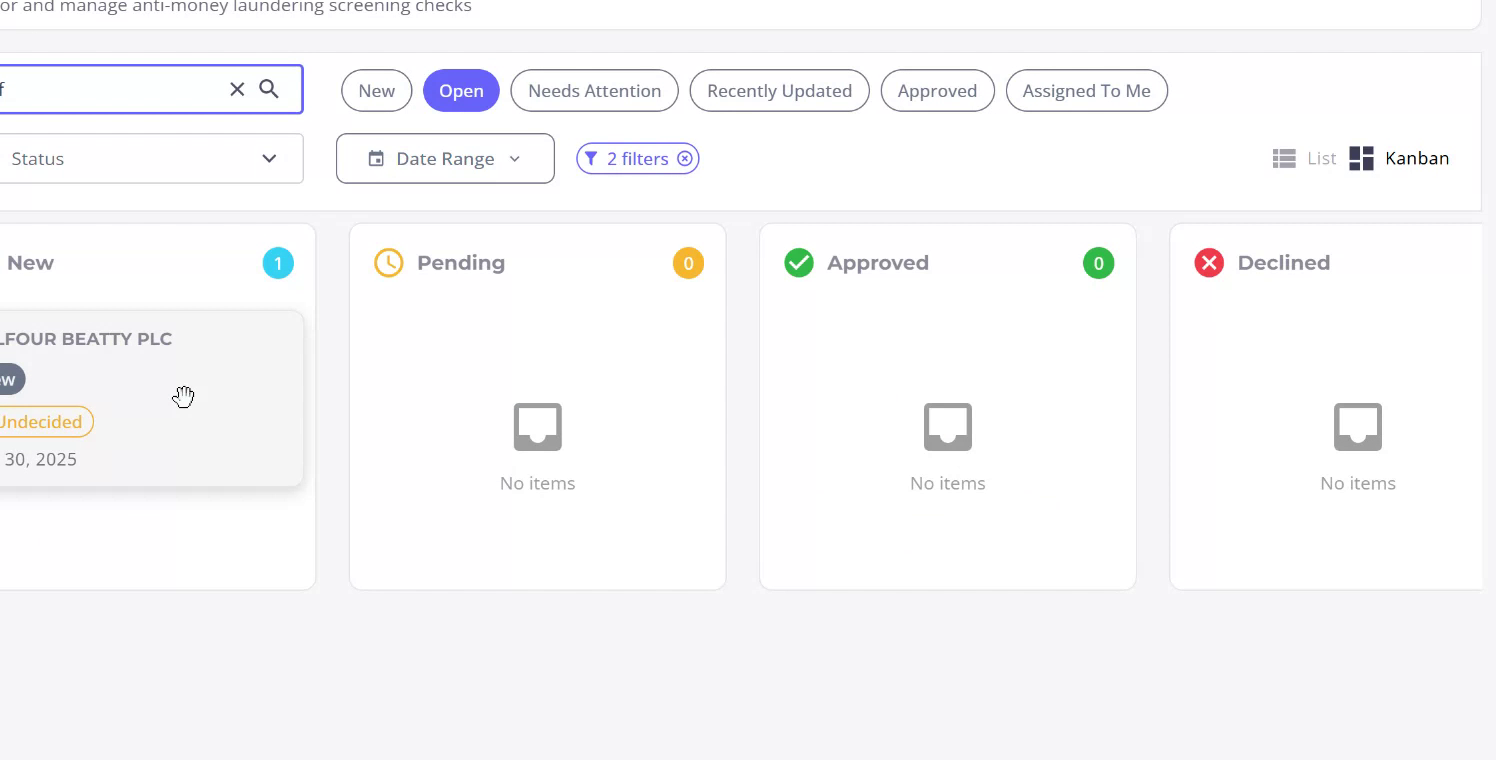
The AML check is completed, and you can view the details. Access the company checks list to view all checks on the company, or use the AML checks section to search specifically for Balfour Beatty.
Step 4
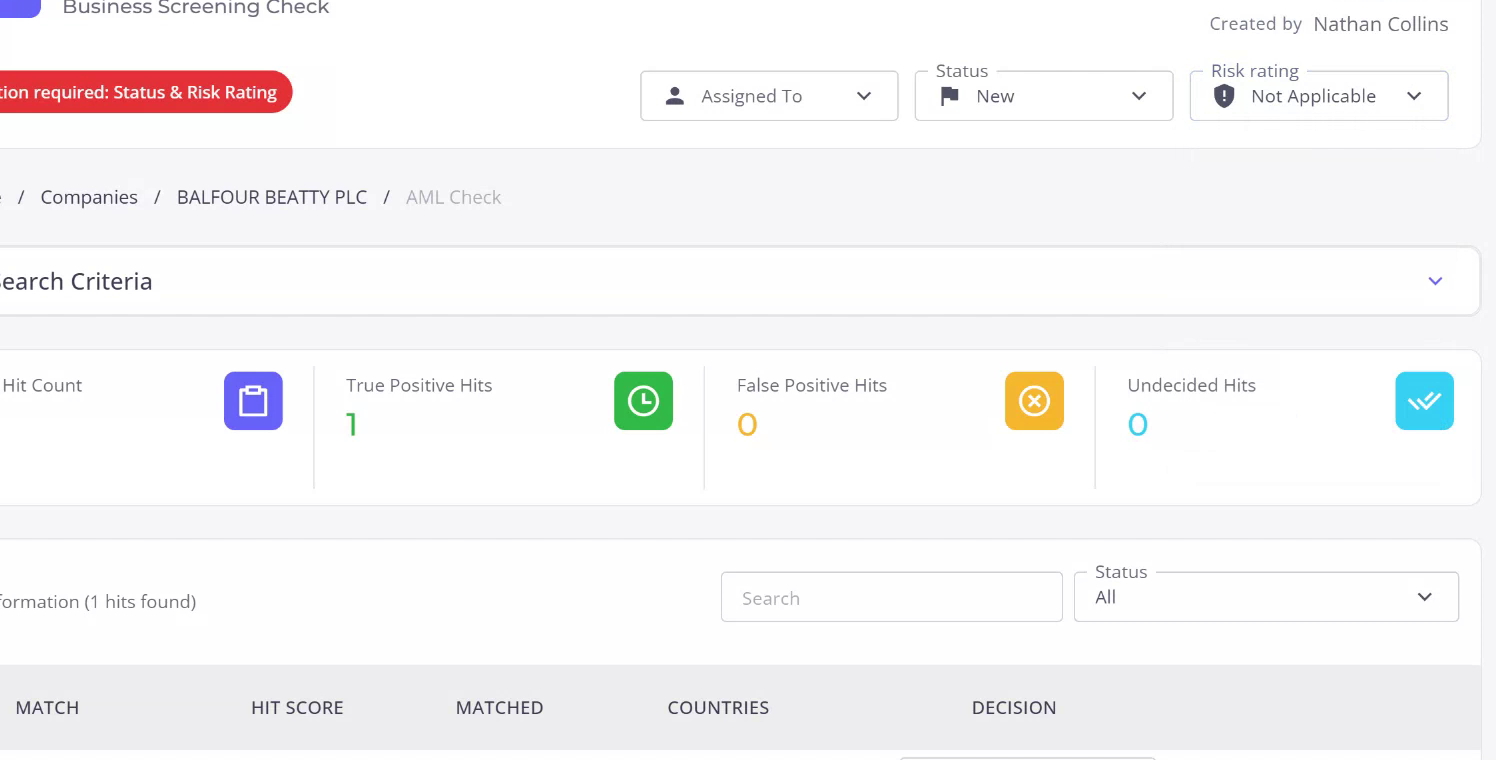
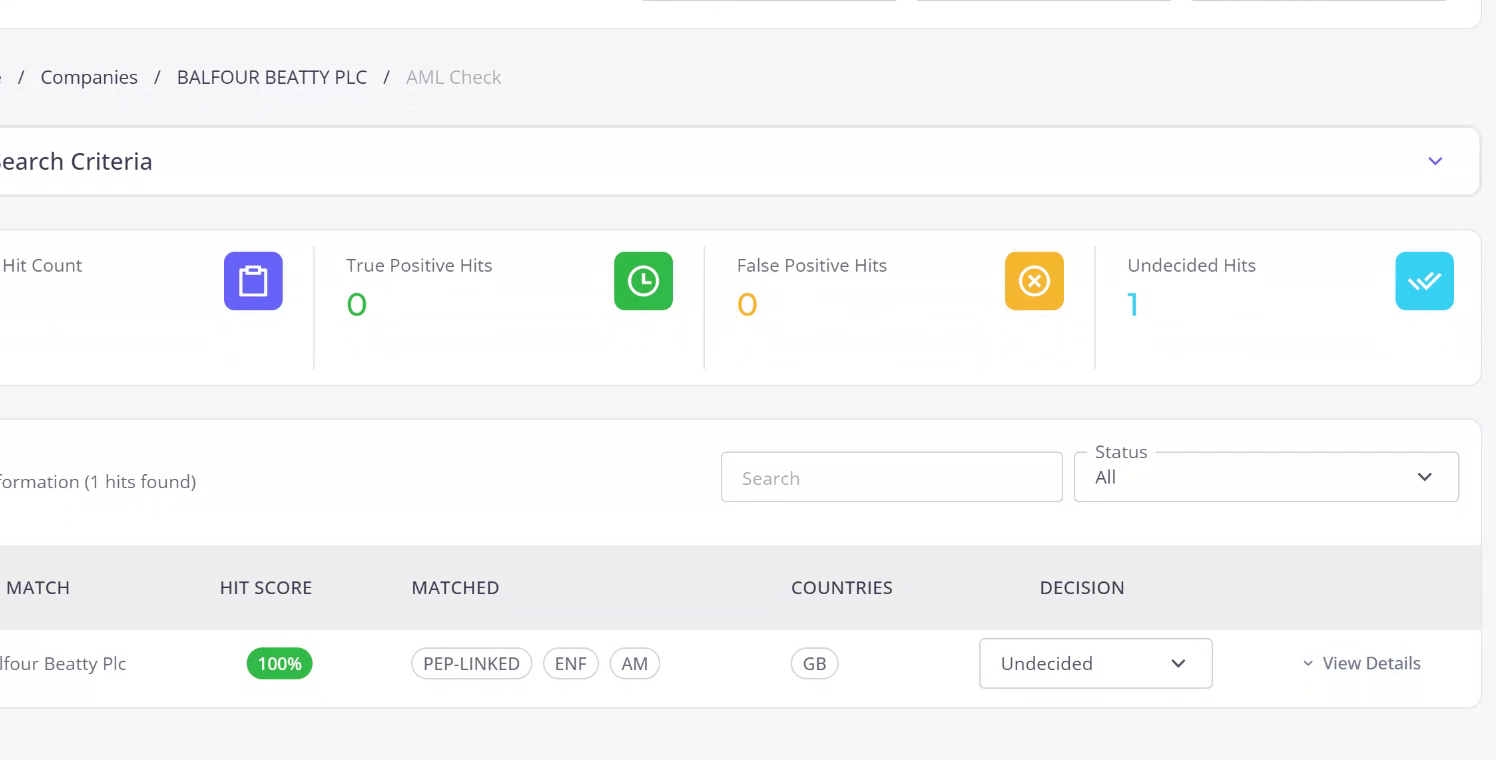
Click on the check to review the results. You will see that the AML screening for Balfour Beatty has resulted in one hit, which is still pending a decision.
Step 5
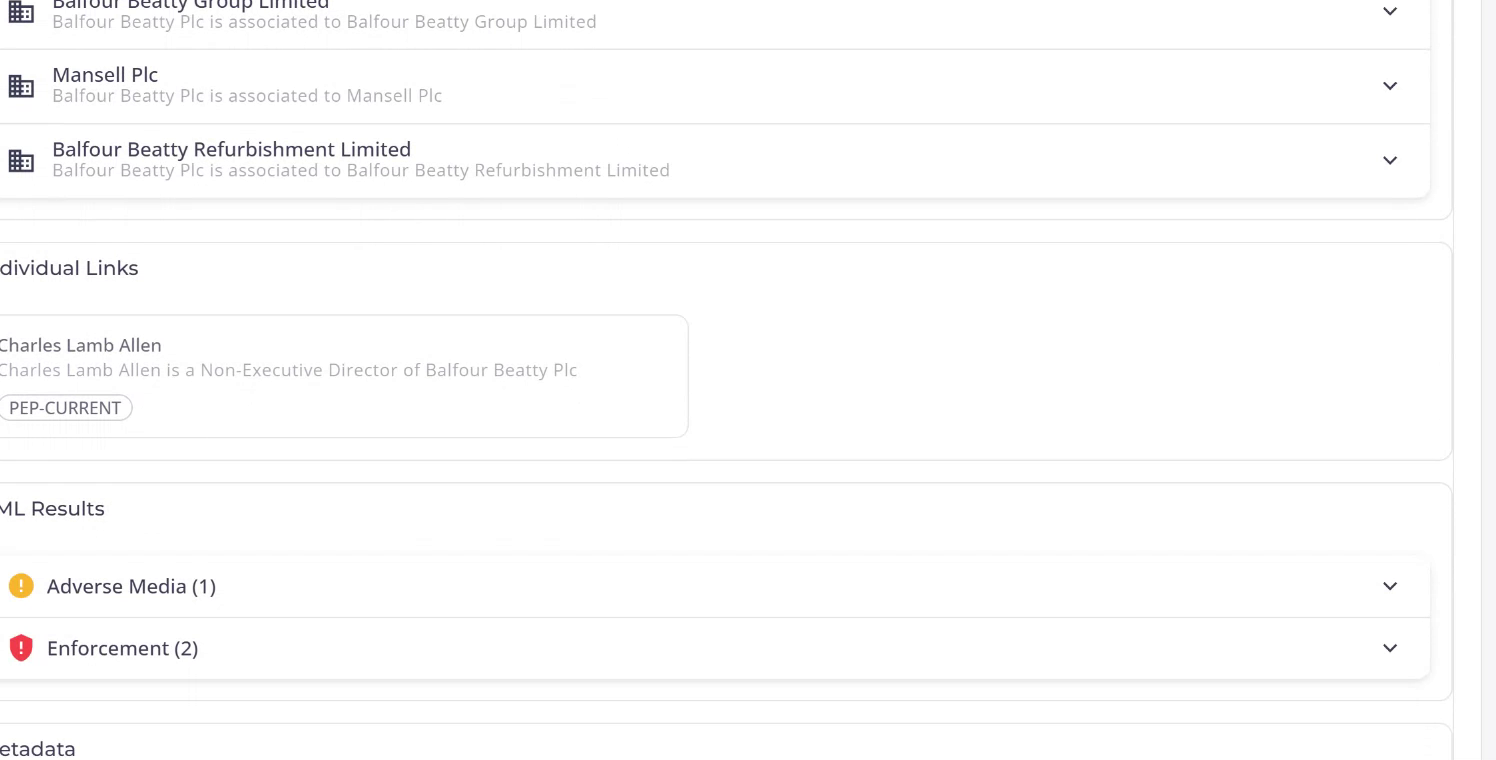
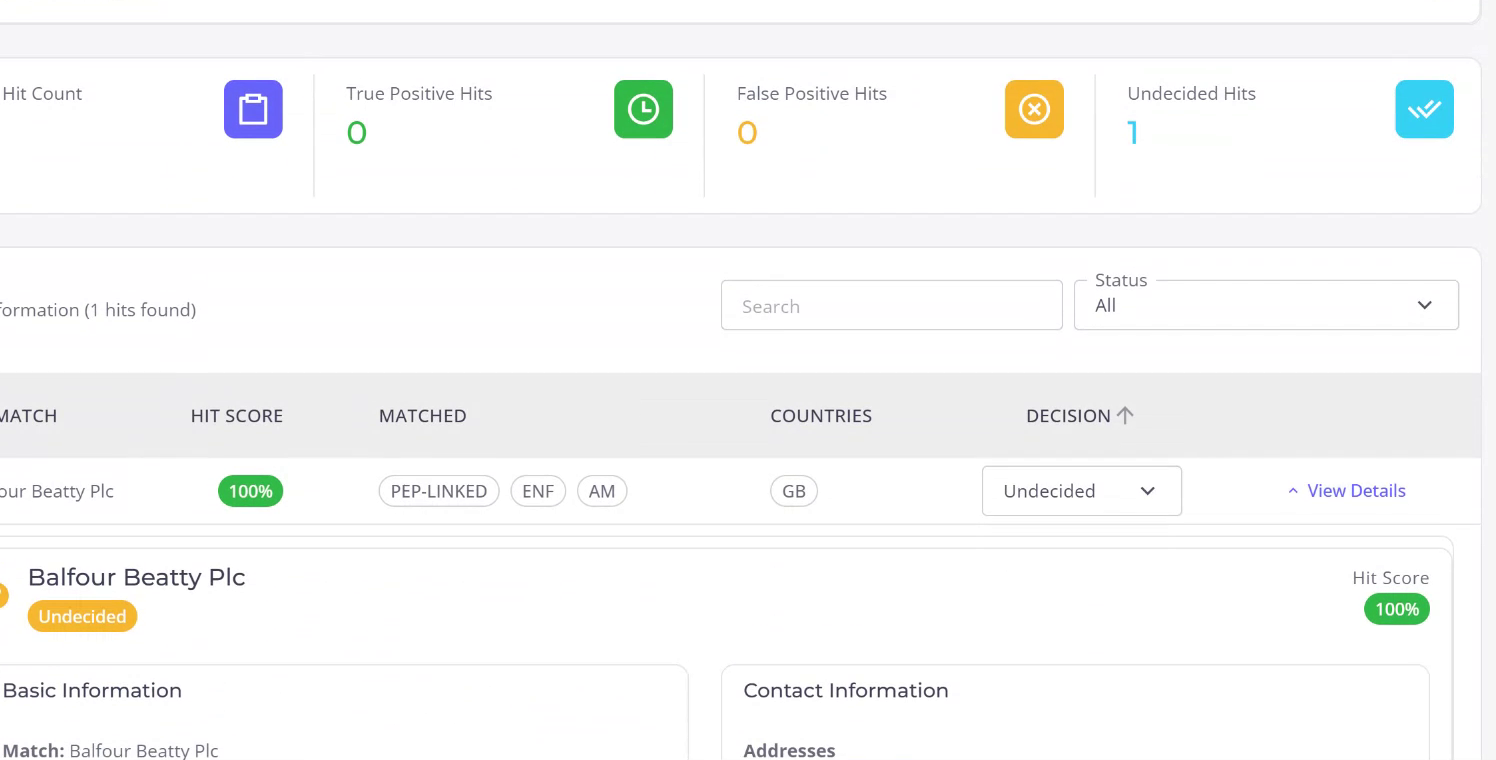
To view the detailed results, click on “View Details”. You will find basic information about the datasets used, company address, and various identifiers. Scrolling down reveals linked companies and individuals associated with Balfour Beatty PLC.
Step 6
Review the findings, such as an individual named Charles Lamb-Allen with a current PEP listing, along with adverse media and enforcement results against the company. You can assess the adverse media, enforcements, and review the AI-generated analysis summarizing the returned information and assessing risk factors.
Step 7
After reviewing the findings, determine if the AML hits are true matches or false positives. Assign a status to the company, such as approve or decline, and apply an appropriate risk rating to determine the company’s level of risk.