How to run an Identity IDv check
Estimated reading: 1 minute
26 views
This document outlines the process of conducting an identity verification check for an individual using our system. The steps include selecting the appropriate verification journey and entering the necessary personal and address details. Follow the instructions below to complete the process efficiently.
Step 1
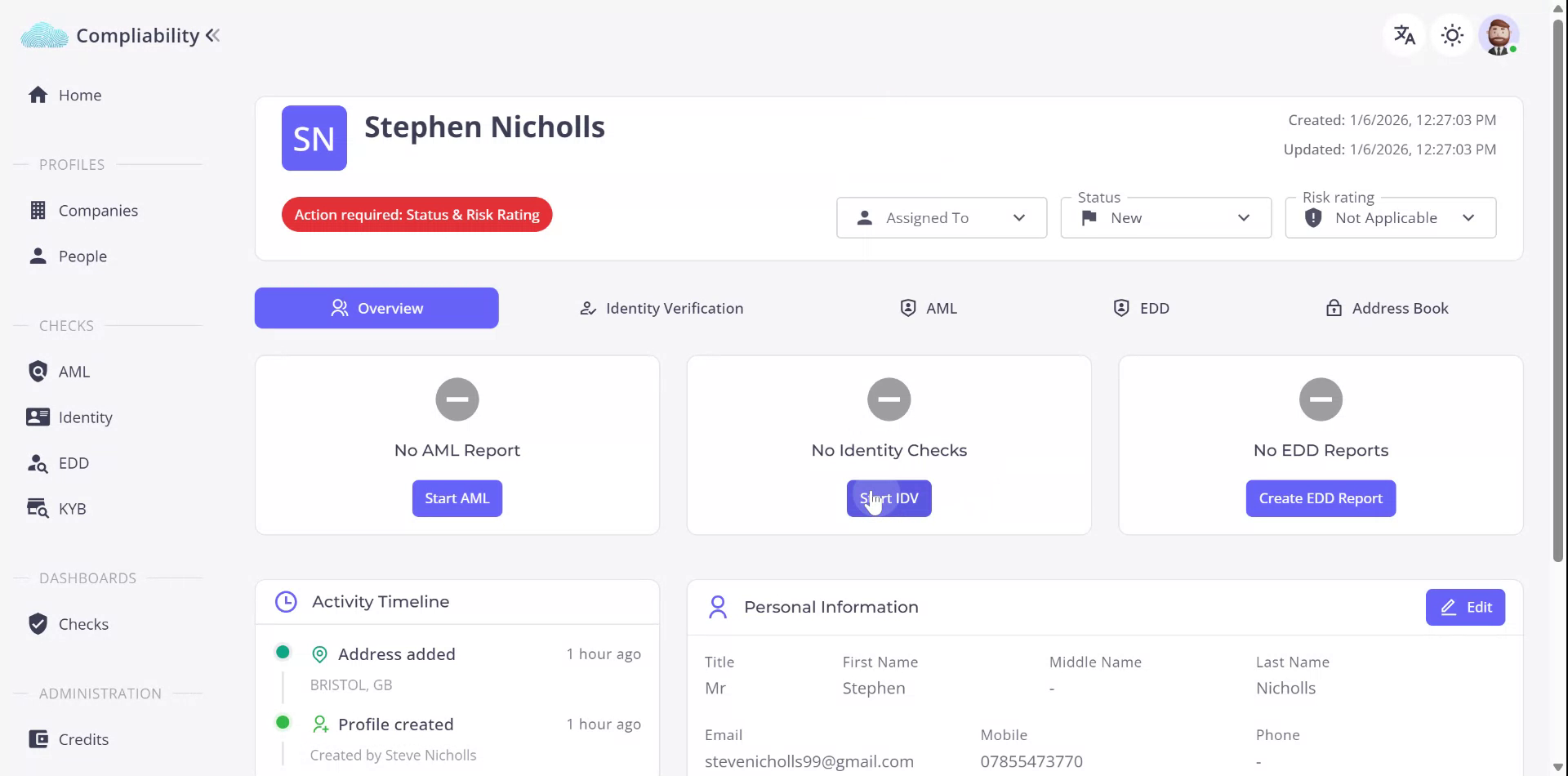
Begin the identity check by accessing the individual’s profile. Upon confirming that no identity checks have been previously conducted, proceed by entering the profile. Initiate the identity verification by selecting the designated button.
Step 2
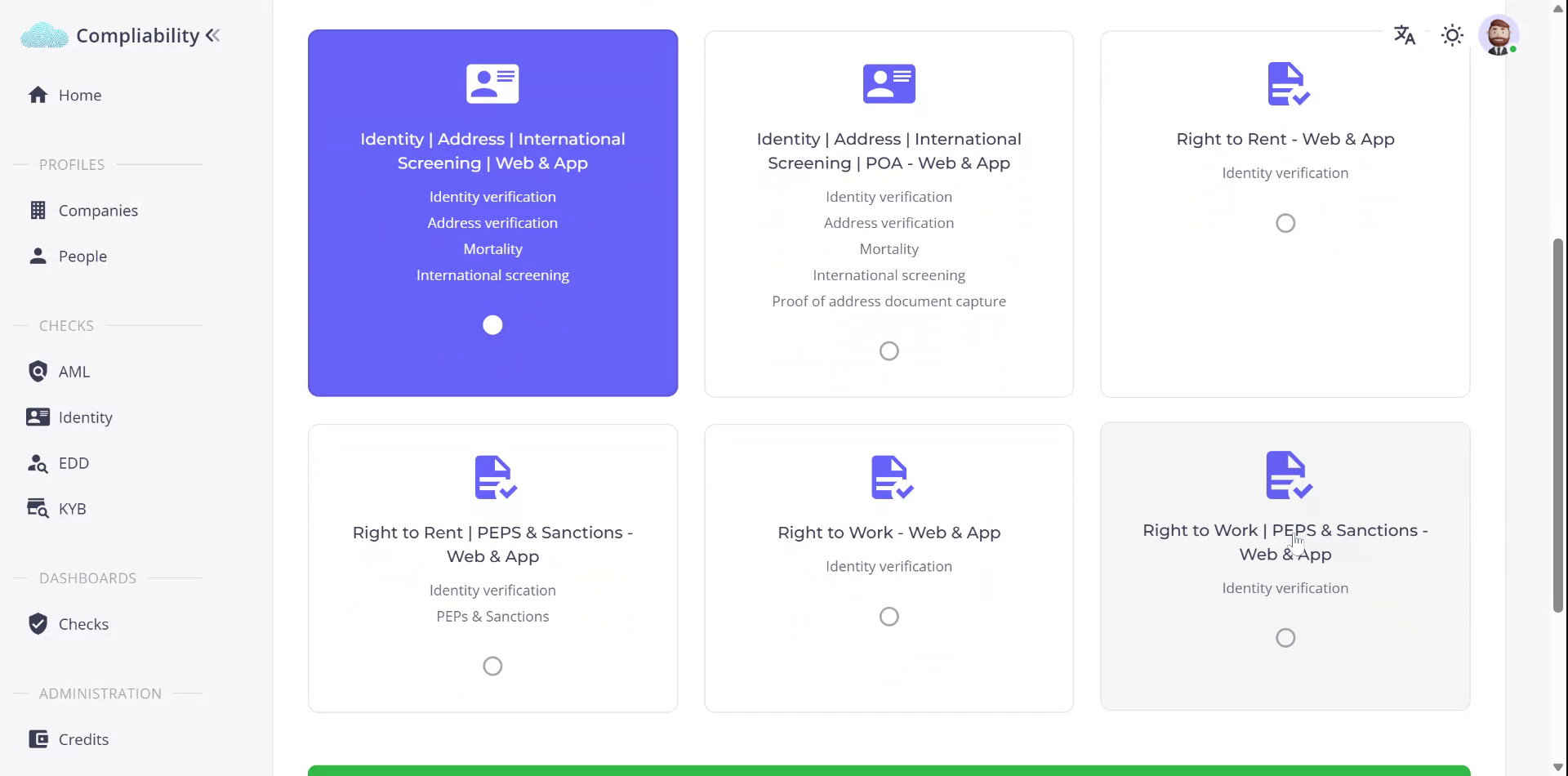
A range of identity verification options will be presented. Select the option for identity verification that includes address verification, mortality check, and international screening.
Step 3
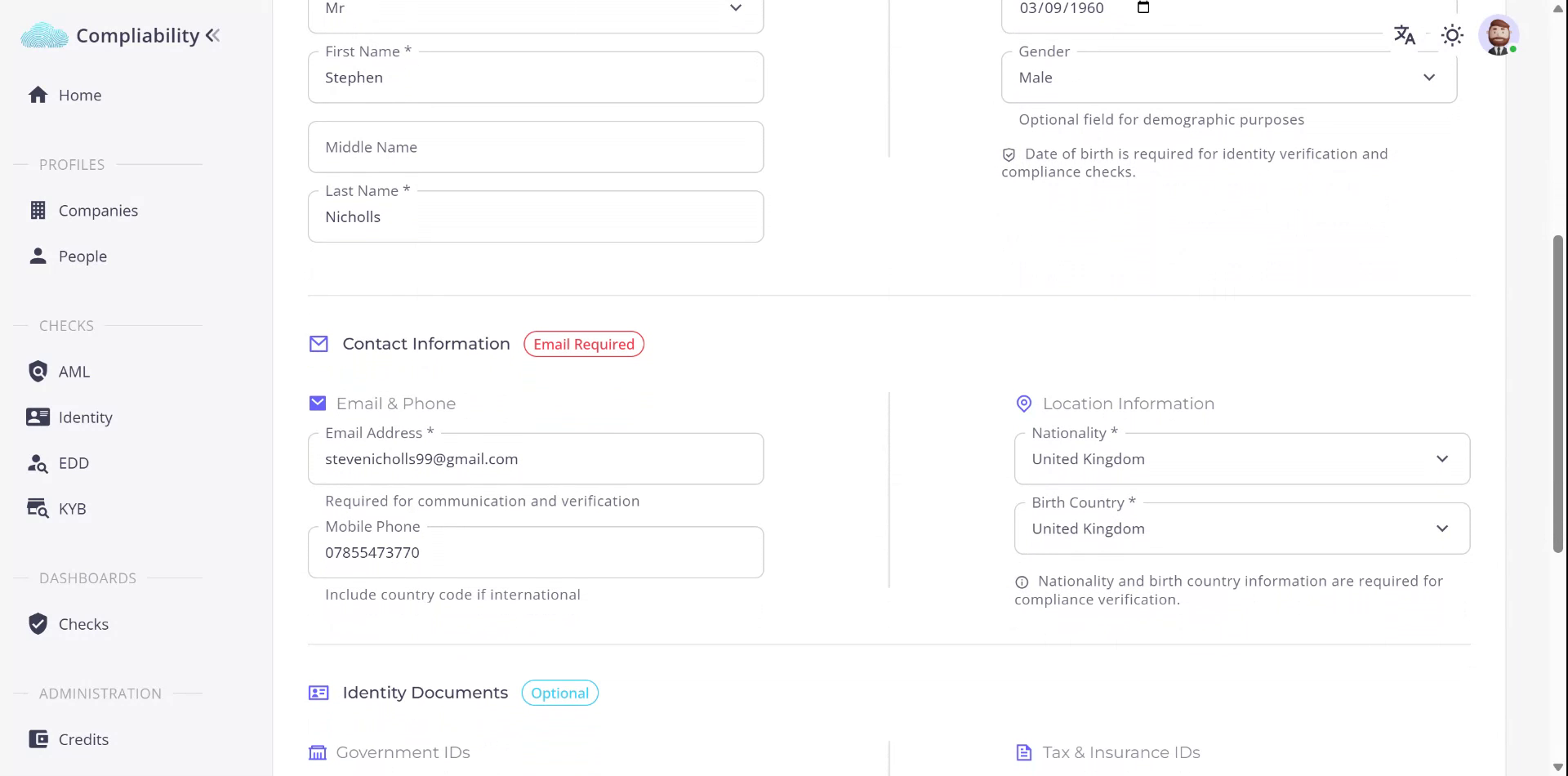
Scroll down and click “Next” to enter the Personal Information section. The fields will be pre-filled with existing information about the individual. You may edit or add further information if available.
Step 4
Additional information can be entered if available. Click “Next” to proceed to the Address Details section, where fields will be pre-populated.
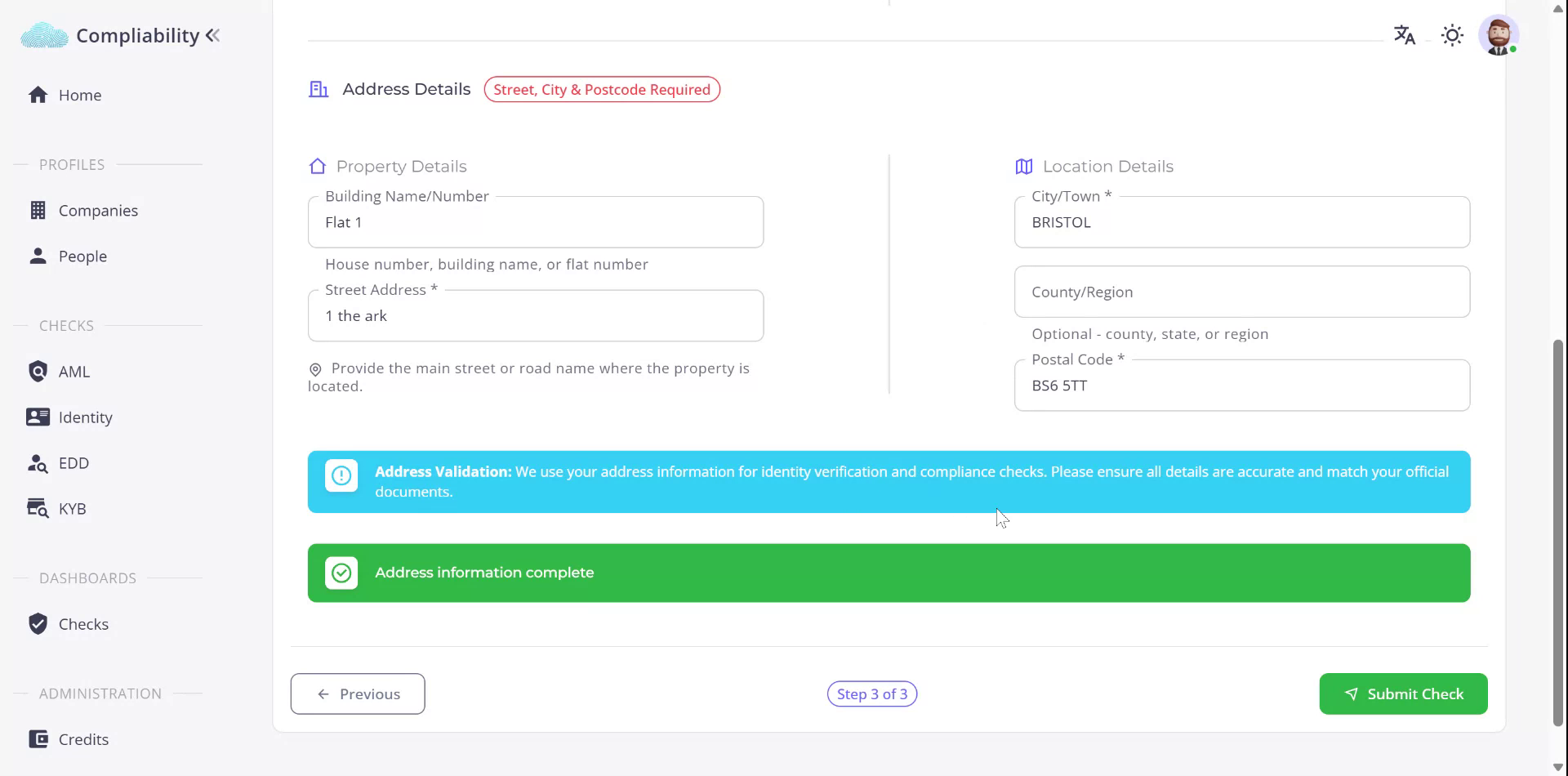
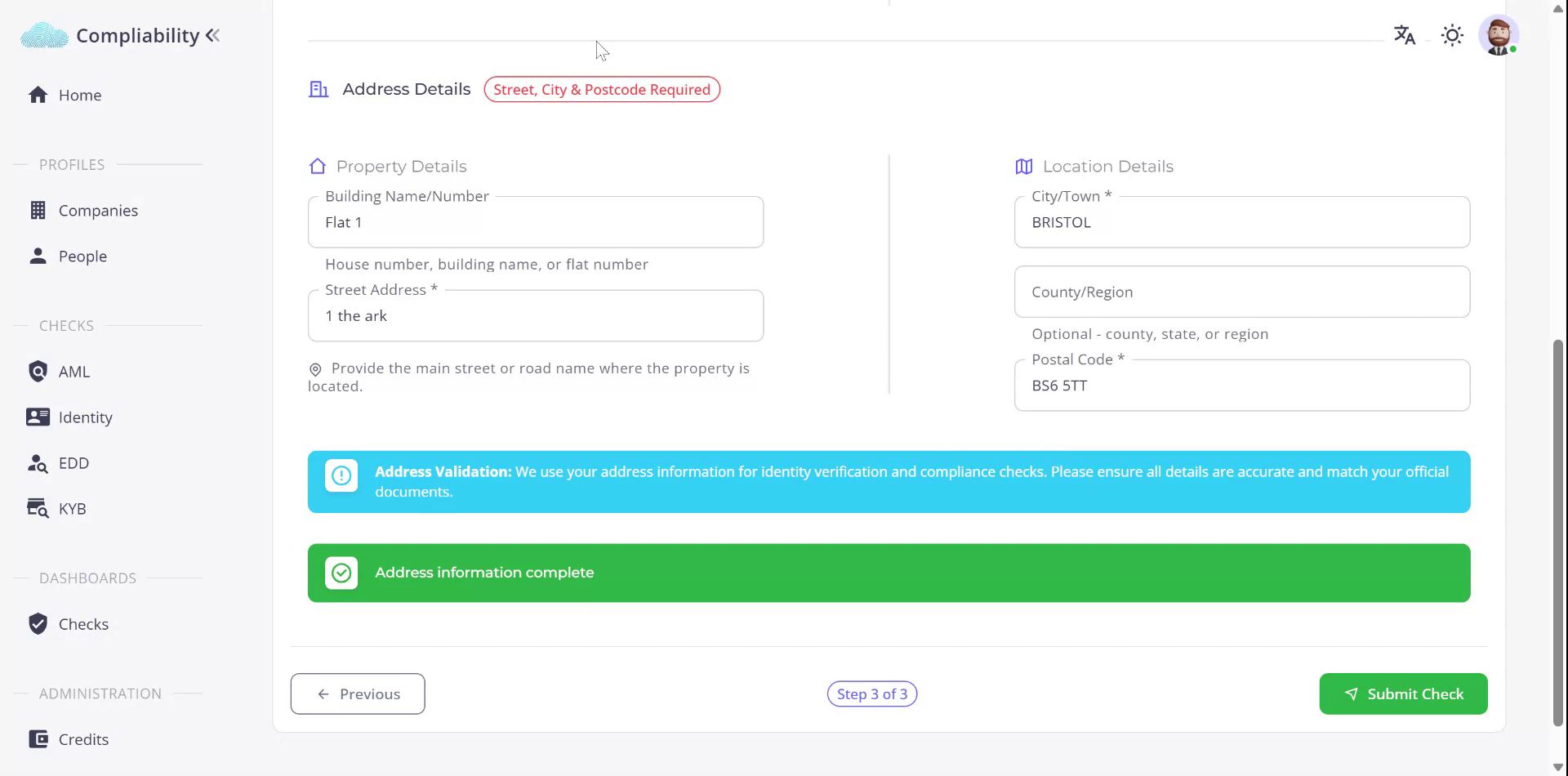
Step 5
Edit the address details as required. Once all information is confirmed and complete, you are ready to submit the identity check.