





Guide to the Company Profile Page
This document provides a detailed process for reviewing and analyzing a company profile using various reports and data. The procedure involves examining risk profiles, financial statements, and additional information related to the company’s directors, shareholders, and group structure. The goal is to ensure a comprehensive understanding of the company’s standing and any potential risks associated with it.
Step 1
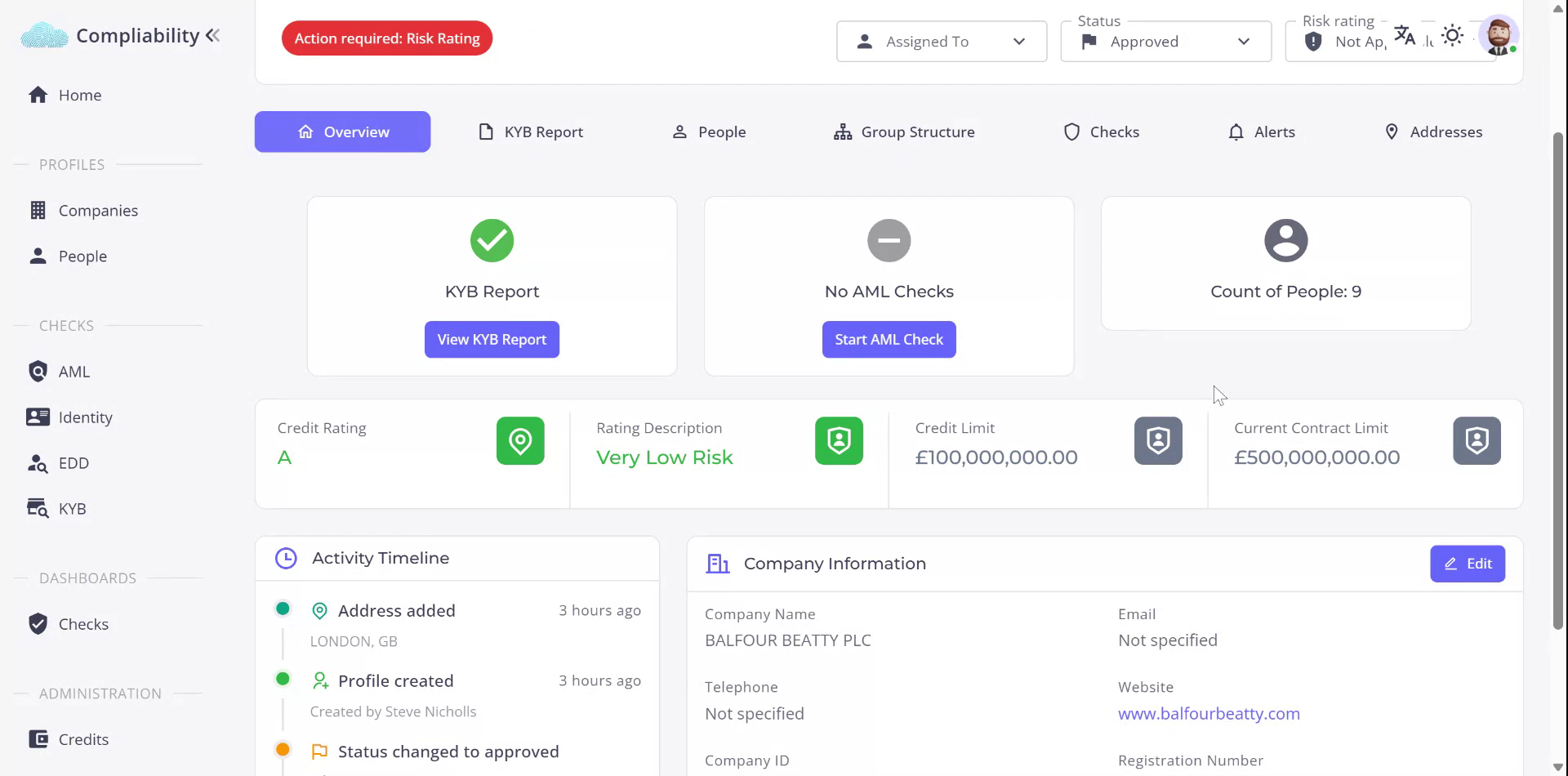
Begin by reviewing the company profile for Balfour Beatty PLC. This profile encompasses a wide range of information about the business. Start with the Overview tab, which highlights any specific reports that have been run. Note that Anti-Money Laundering (AML) checks have not been conducted in this instance.
Step 2
Examine the risk profile, which includes credit rating, credit limits, and basic company information. In this instance, the full Know Your Business (KYB) report has been completed, providing extensive information about the company’s risk profile, basic details, and comprehensive financial statements over a five-year period, including balance sheets and profit and loss statements.
Step 3
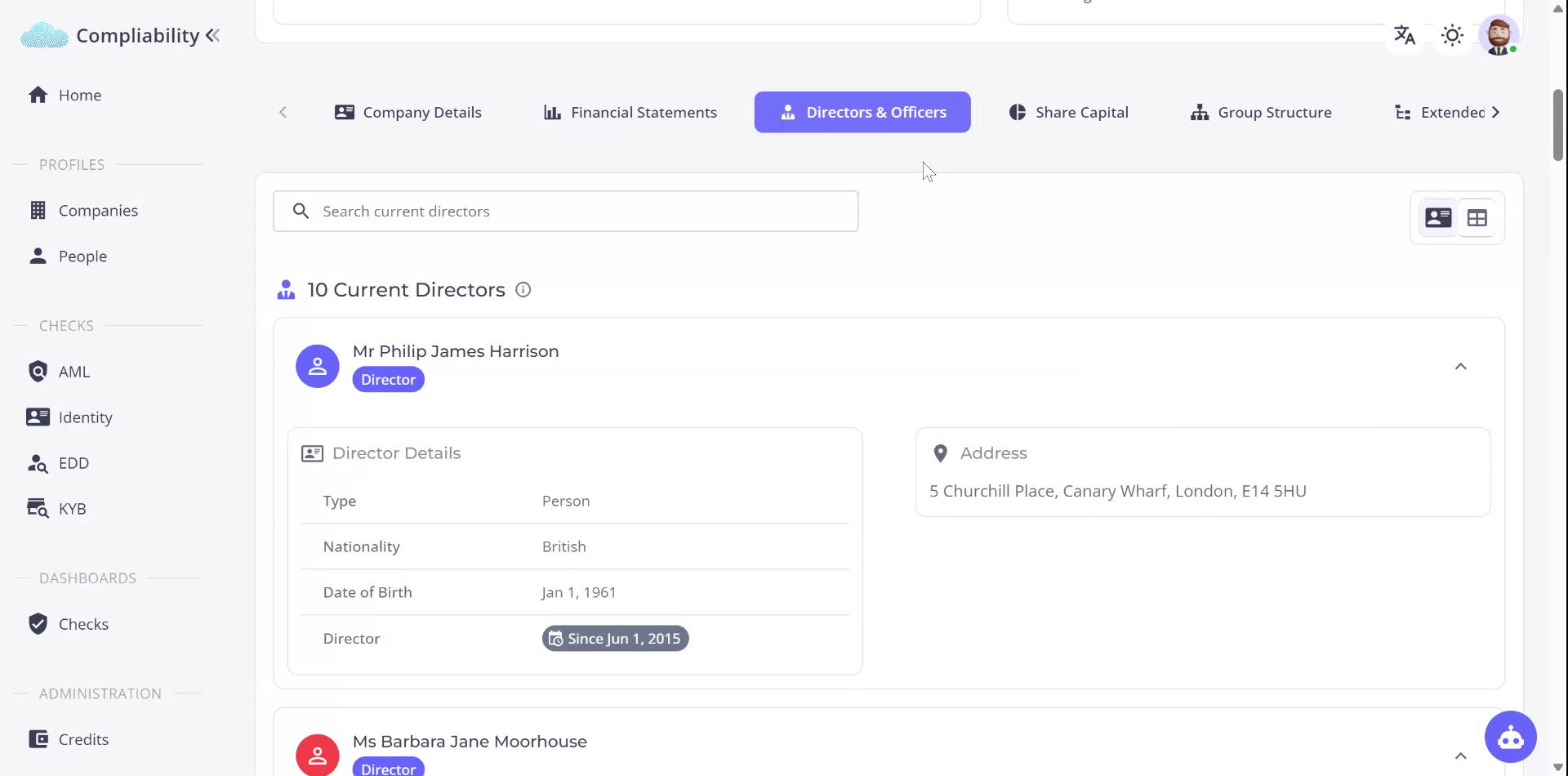
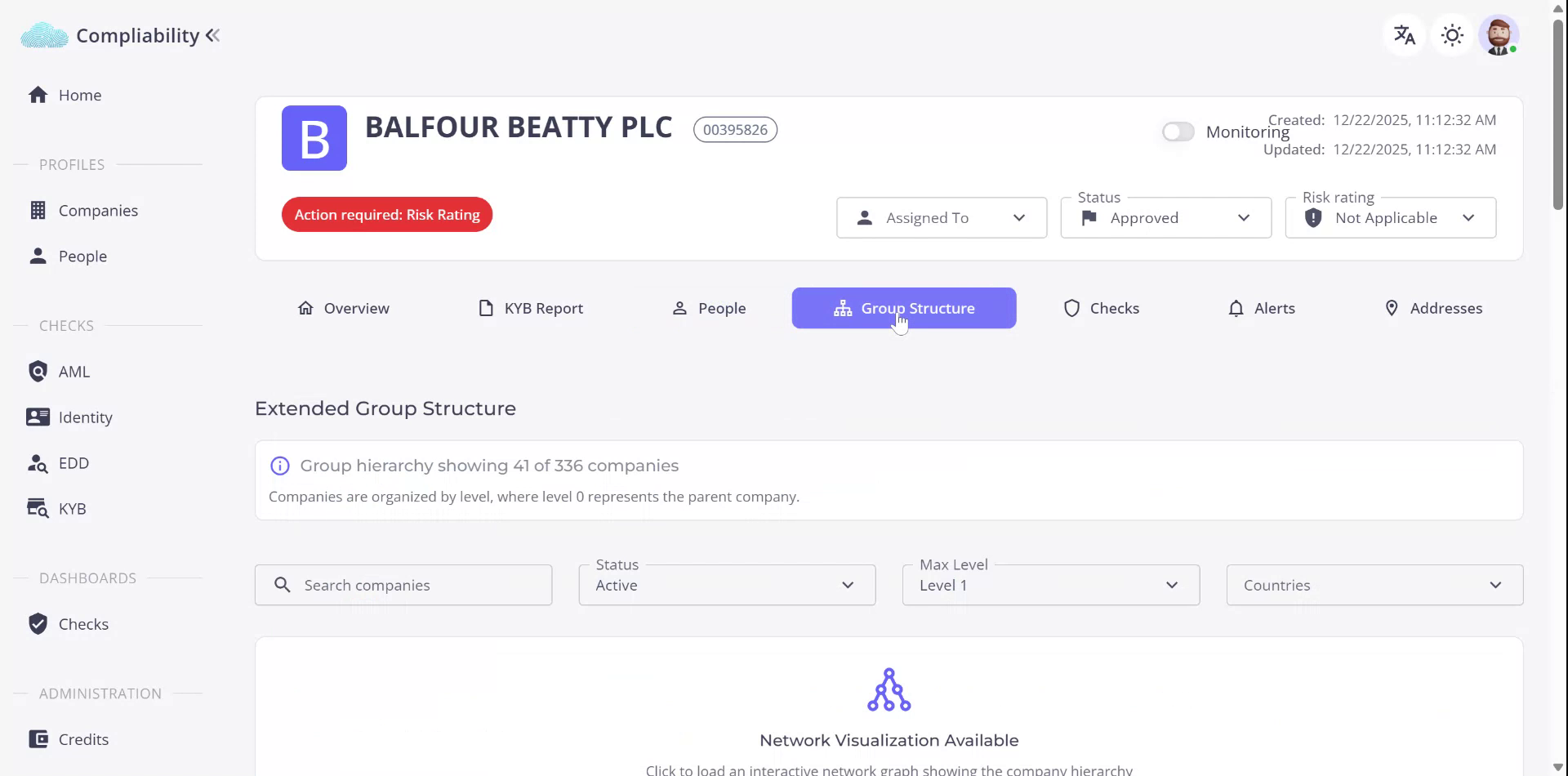
Review the director and officer information, share capital distribution, group structure, and extended group structure, which can be visualized as a network diagram. Assess any negative information about the company, such as county court judgments. Additionally, evaluate payment data to understand the company’s efficiency in settling its trade debts.

Step 4
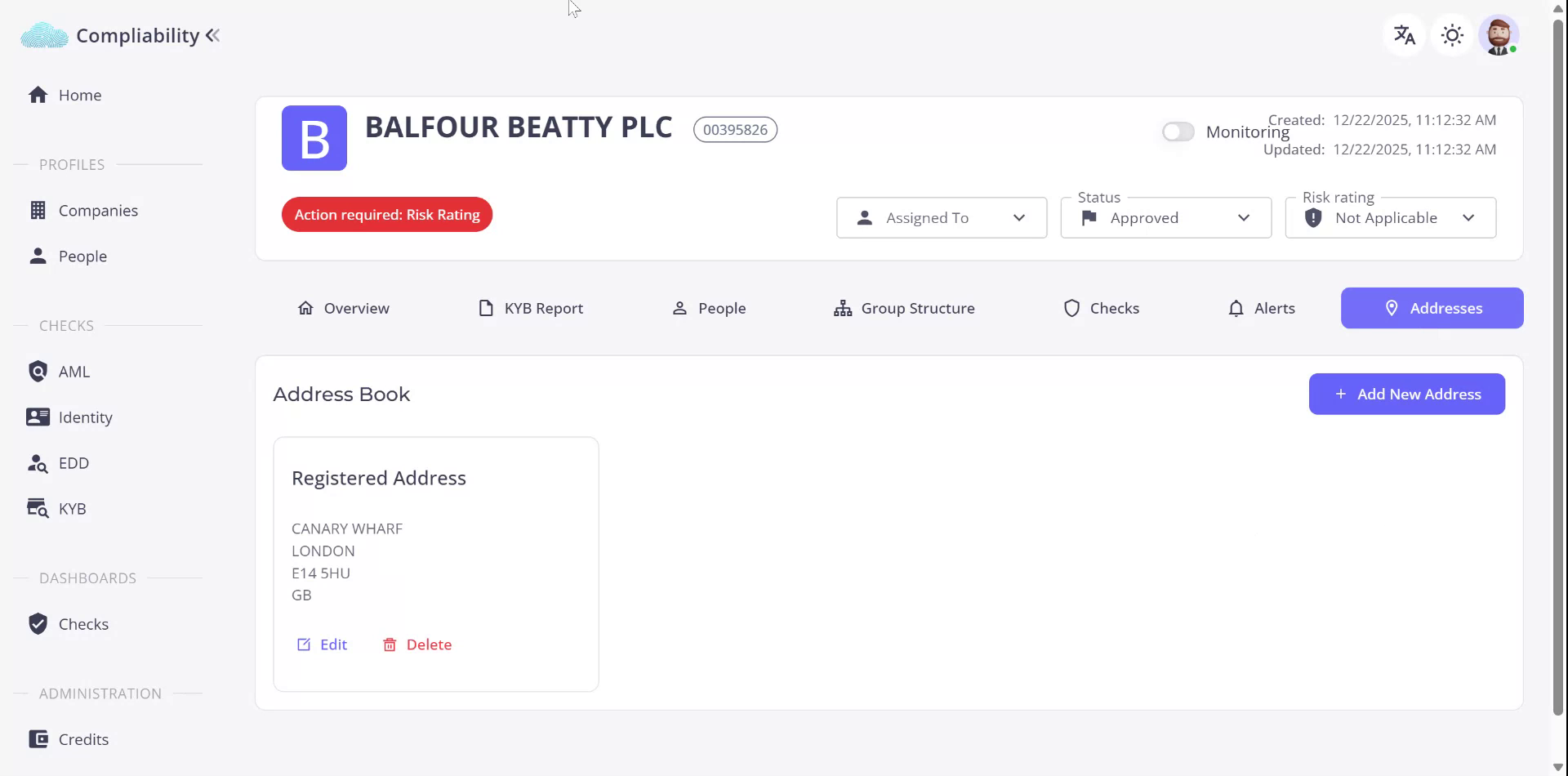
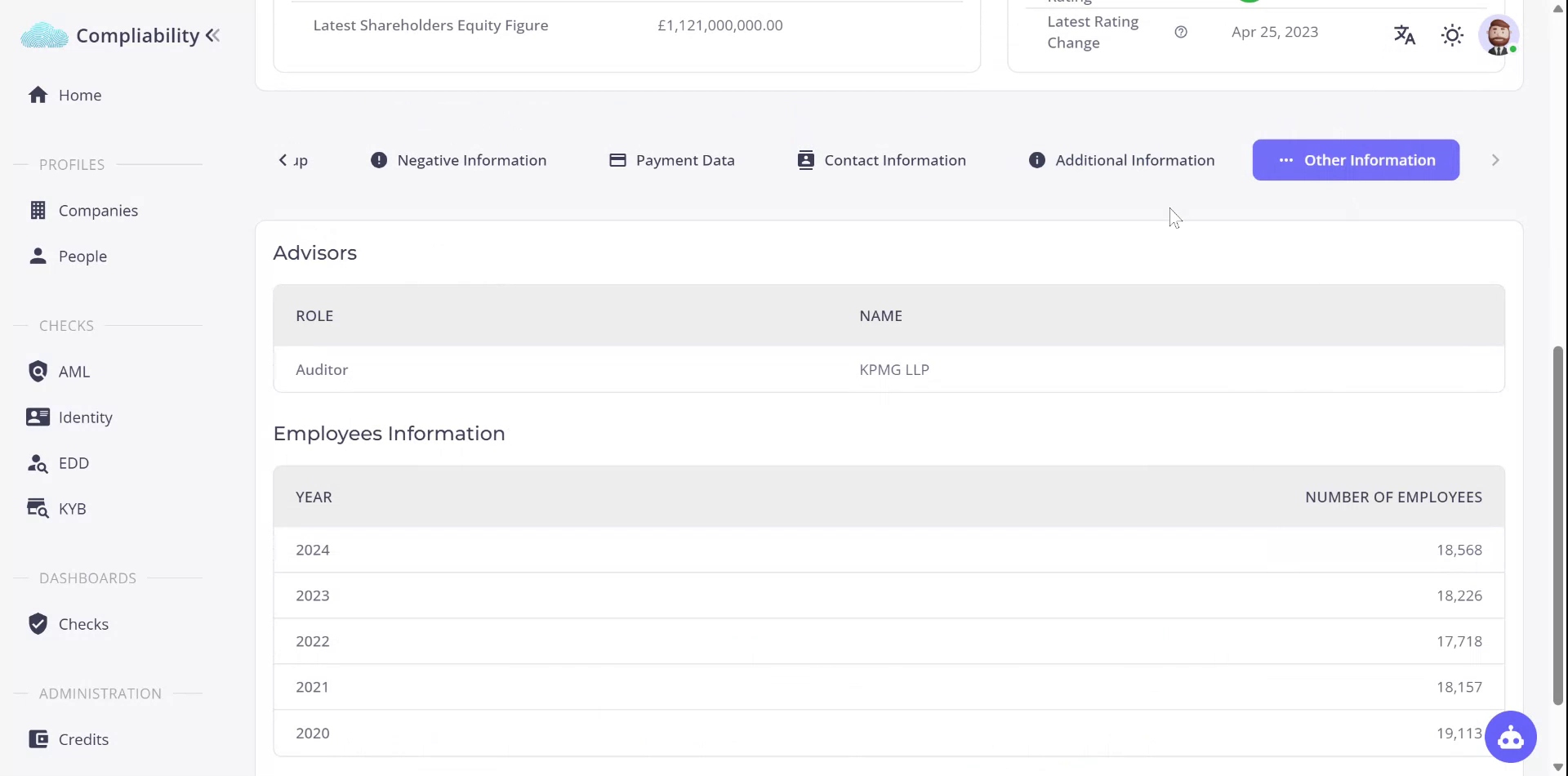
Gather additional contact information, including further addresses associated with the business. Also, collect supplementary details about the company, such as previous names and filing history. Examine other relevant information, including auditor details and employee profiles over time.
Step 5
Understand that the KYB report is highly detailed. Proceed to the People tab to access comprehensive information about individuals associated with the company, including directors and shareholders. You can explore these profiles further and conduct additional checks from this report.
Step 6
Revisit the group structure and any checks conducted against this company, including AML checks and alerts like adverse media. Also, review further addressing information. This concludes the company report analysis process.